Samsung 980 Pro Nvme Ssd
The Samsung 980 Pro NVMe SSD is a high-performance PCIe Gen 4 drive that offers outstanding read and write speeds. It is a great choice for gamers, creators, and professionals who need fast storage. We cover everything you need to know in this guide.
The Samsung 980 Pro NVMe SSD is one of the most popular solid-state drives on the market right now. It sits at the top of Samsung’s consumer NVMe lineup and brings PCIe Gen 4 technology to everyday users. If you are building a new PC or upgrading an old one, this drive deserves a close look.
So what makes the Samsung 980 Pro NVMe SSD so special? It combines fast PCIe Gen 4 speeds with Samsung’s trusted V-NAND flash memory. The result is a drive that boots Windows in seconds, loads games almost instantly, and handles heavy workloads without breaking a sweat. In this guide, we will break down everything you need to know about this drive. From real-world performance to specs, pros, and cons, we have you covered.
Key Takeaways
- Blazing PCIe Gen 4 Speeds: The Samsung 980 Pro NVMe SSD offers sequential read speeds up to 7,000 MB/s and write speeds up to 5,100 MB/s.
- Great for Gaming and Workloads: This drive handles heavy gaming, video editing, and multitasking with ease and speed.
- Reliable Endurance: With a high TBW rating, the Samsung 980 Pro NVMe SSD is built to last for years of daily use.
- Compact M.2 Form Factor: The 2280 M.2 shape fits most modern desktops and laptops without extra cables or adapters.
- Advanced V-NAND Technology: Samsung uses their latest 3-bit V-NAND flash for consistent performance and efficiency.
- Worth the Investment: Compared to older Gen 3 drives, the Samsung 980 Pro NVMe SSD offers a big speed jump at a fair price.
📑 Table of Contents
What Is the Samsung 980 Pro NVMe SSD?
The Samsung 980 Pro NVMe SSD is a high-performance M.2 NVMe drive built for speed. It uses the PCIe Gen 4 interface, which is twice as fast as the older PCIe Gen 3 standard. This means your storage tasks finish much quicker than before.
Samsung designed this drive for everyday users who want top-tier performance without spending a fortune. It comes in several capacities, including 250 GB, 500 GB, 1 TB, and 2 TB options. The 1 TB model is the most popular choice for most people. It offers a great balance of speed, capacity, and value.
If you have been using a SATA SSD or an old hard drive, the jump to the Samsung 980 Pro NVMe SSD will feel amazing. Boot times drop, file transfers fly, and games load in a flash. Even compared to the Samsung 970 Evo Plus NVMe M.2 SSD, the 980 Pro brings a noticeable speed upgrade thanks to its Gen 4 controller.
Samsung 980 Pro NVMe SSD Specifications
Let us look at the key specs of the Samsung 980 Pro NVMe SSD. These numbers tell you exactly what this drive can do.
Sequential Read and Write Speeds
The Samsung 980 Pro NVMe SSD delivers up to 7,000 MB/s read speeds and up to 5,100 MB/s write speeds. These are incredibly fast numbers. For comparison, a typical SATA SSD tops out around 550 MB/s. That means the Samsung 980 Pro NVMe SSD is more than ten times faster in sequential tasks.
Random Read and Write Performance
Beyond sequential speeds, the Samsung 980 Pro NVMe SSD also excels at random 4K performance. It offers up to 1,000,000 IOPS for random reads and up to 1,100,000 IOPS for random writes. This is what makes the drive feel so snappy in day-to-day use. Opening apps, switching between browser tabs, and loading large files all feel instant.
Endurance and Warranty
Samsung rates the 1 TB model at 600 TBW (terabytes written). This is a very high endurance rating for a consumer drive. The drive also comes with a 5-year limited warranty, which gives you peace of mind. Samsung backs this product with strong confidence in its durability.
Form Factor and Interface
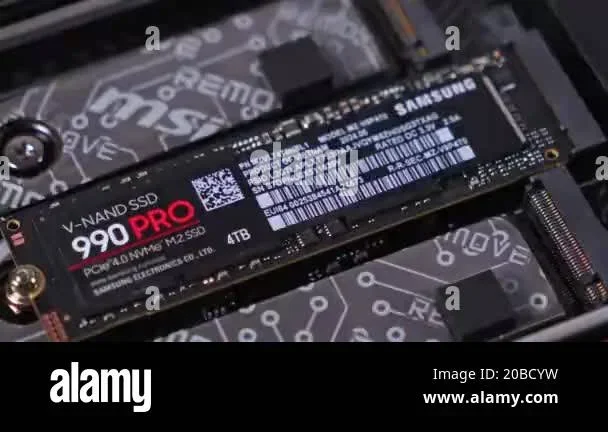
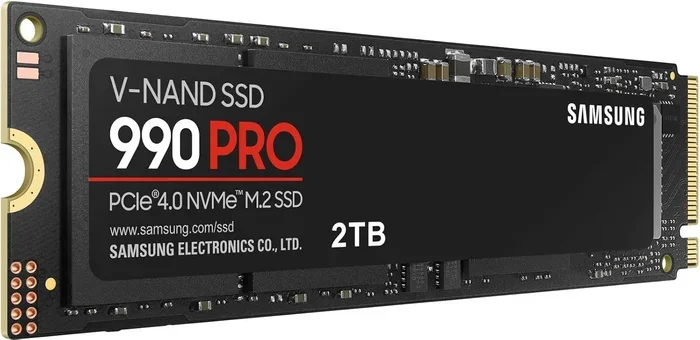
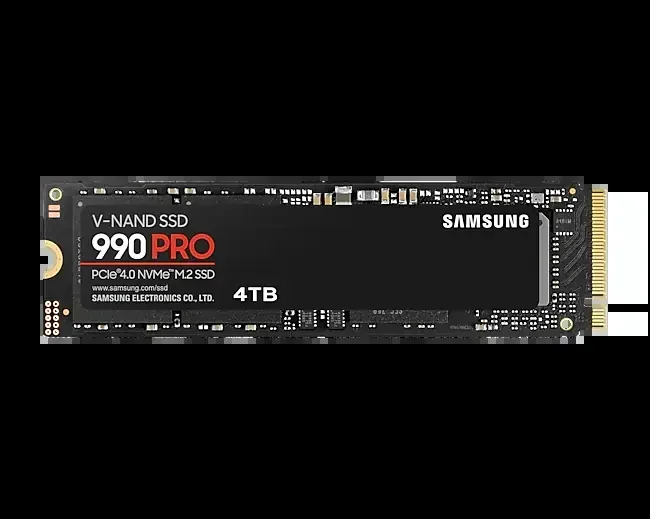
The Samsung 980 Pro NVMe SSD uses the M.2 2280 form factor. It connects via PCIe Gen 4 x4 and NVMe protocol. This is the standard M.2 size used in most modern motherboards and laptops. You do not need any cables or adapters to install it.
DRAM Cache
One of the standout features of the Samsung 980 Pro NVMe SSD is its full DRAM cache. Many budget NVMe drives skip the DRAM cache to save costs. But the Samsung 980 Pro NVMe SSD includes a dedicated DRAM chip. This helps maintain consistent performance even during sustained workloads. It also makes the drive better suited for heavy multitasking and professional use.
Samsung 980 Pro NVMe SSD Performance in Real-World Use
Benchmarks are great, but real-world performance is what matters most. Here is how the Samsung 980 Pro NVMe SSD performs in everyday scenarios.
Gaming Performance
Gamers will love the Samsung 980 Pro NVMe SSD. Modern games are huge, and load times can be a bottleneck. With this drive, you will see dramatically shorter load screens. Open-world games like Cyberpunk 2077 and Hogwarts Legacy benefit the most. The drive streams assets quickly, reducing texture pop-in and stuttering. If you are comparing it to the Samsung 970 Evo Plus 1 TB NVMe SSD, you will notice faster load times with the Gen 4 drive.
Video Editing and Content Creation
Video editors and content creators need fast storage for large project files. The Samsung 980 Pro NVMe SSD handles 4K and even 8K video editing with ease. Scrubbing through timelines feels smooth, and exporting files takes less time. The DRAM cache helps here too, as it keeps frequently accessed data ready for quick access.
Boot and Application Loading
Using the Samsung 980 Pro NVMe SSD as a boot drive is a game changer. Windows 11 loads in seconds. Your favorite apps open instantly. Even heavy software like Adobe Premiere Pro or AutoCAD starts up much faster than on any traditional drive. The NVMe SSD interface makes all the difference in these everyday tasks.
Samsung 980 Pro NVMe SSD vs Competitors
How does the Samsung 980 Pro NVMe SSD stack up against other popular drives?
Samsung 980 Pro vs Samsung 970 Evo Plus
The Samsung 970 Evo Plus uses PCIe Gen 3, while the 980 Pro uses PCIe Gen 4. This means the 980 Pro is roughly 40 to 50 percent faster in sequential tasks. Both drives have excellent endurance and DRAM cache. The 980 Pro is the better choice if your motherboard supports Gen 4. If you want a detailed comparison, you can check our Samsung 970 Evo Plus NVMe M.2 SSD review as well.
Samsung 980 Pro vs Crucial P3 Plus
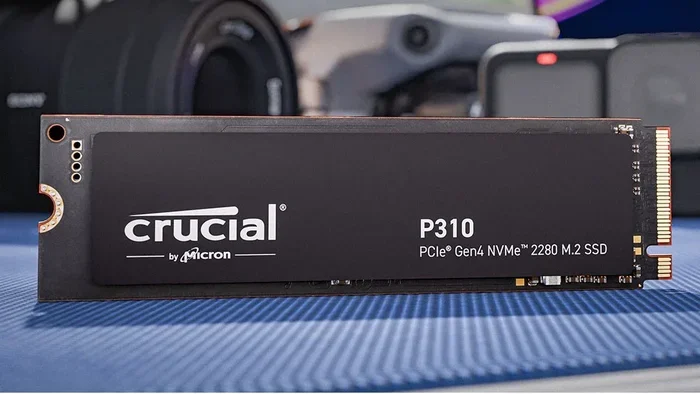
The Crucial P3 Plus is a budget-friendly Gen 4 NVMe drive. It is cheaper than the Samsung 980 Pro NVMe SSD. However, it lacks a DRAM cache and has lower sustained write speeds. The Samsung 980 Pro NVMe SSD wins in sustained performance and reliability. If you want the best performance, the Samsung drive is the clear winner.
Samsung 980 Pro vs WD Black SN850
The WD Black SN850 is another popular Gen 4 NVMe SSD. Both drives offer similar read speeds. The Samsung 980 Pro NVMe SSD has a slight edge in write performance and endurance. Samsung also includes a 5-year warranty, while WD offers a 5-year warranty as well. Both are excellent choices, but Samsung’s track record with V-NAND gives it a slight reliability advantage.
Who Should Buy the Samsung 980 Pro NVMe SSD?
The Samsung 980 Pro NVMe SSD is ideal for several types of users. Here is a quick breakdown.
- Gamers: Fast load times and smooth asset streaming make this a top pick for gaming PCs.
- Content Creators: Video editors, photographers, and designers benefit from the fast write speeds and DRAM cache.
- Professionals: Anyone who works with large files, databases, or virtual machines will appreciate the speed and endurance.
- PC Builders: If you are building a new system with a Gen 4 motherboard, this drive is a natural choice.
- Upgraders: If you are replacing an old SATA SSD or HDD, the Samsung 980 Pro NVMe SSD brings a massive speed boost.
However, if you are on a tight budget, you might consider a Gen 3 drive instead. The Samsung 980 Pro NVMe SSD is a premium product with a premium price tag. For most people though, the performance gains are well worth the extra cost.
Installation and Compatibility Tips
Installing the Samsung 980 Pro NVMe SSD is straightforward. Here are a few tips to make the process smooth.
- Check Your Motherboard: Make sure your motherboard has an M.2 slot that supports PCIe Gen 4. Most modern boards from 2020 and newer do.
- Use the Right Standoff: The M.2 2280 size is standard. Make sure your motherboard has the correct standoff in place.
- Consider a Heatsink: The Samsung 980 Pro NVMe SSD can run warm under heavy loads. Adding an NVMe SSD heatsink helps keep temperatures in check.
- Enable NVMe Mode in BIOS: Go into your BIOS and make sure the M.2 slot is set to NVMe mode, not SATA mode.
- Clone or Fresh Install: You can clone your old drive or do a fresh Windows install on the new Samsung 980 Pro NVMe SSD.
Samsung includes Samsung Magician software with the drive. This free tool lets you update firmware, monitor drive health, and optimize performance. It is a handy addition that not all SSD manufacturers include.
Final Thoughts
The Samsung 980 Pro NVMe SSD is an excellent drive that delivers on its promises. It brings PCIe Gen 4 speeds to the mainstream, offers strong endurance, and includes a DRAM cache for consistent performance. Whether you are a gamer, creator, or professional, this drive will make your system feel much faster.
If you are still using a SATA SSD or an old hard drive, upgrading to the Samsung 980 Pro NVMe SSD is one of the best improvements you can make. The difference in speed is night and day. Your system will boot faster, apps will open instantly, and games will load in a fraction of the time.
While it is not the cheapest NVMe drive available, the Samsung 980 Pro NVMe SSD offers the best balance of speed, reliability, and warranty. Samsung has built a strong reputation in the SSD market, and this drive lives up to that reputation. If you have the budget, it is hard to go wrong with the Samsung 980 Pro NVMe SSD.
For those who want to explore other Samsung options, you might also check out the Samsung NVMe SSD 8 TB for extreme capacity needs. And if you want to learn more about NVMe SSDs in general, our guide on Is NVMe Faster Than SSD covers the basics in detail.
Frequently Asked Questions
Is the Samsung 980 Pro NVMe SSD worth buying in 2024?
Yes, the Samsung 980 Pro NVMe SSD is still a great choice in 2024. It offers PCIe Gen 4 speeds, a DRAM cache, and excellent endurance. While newer Gen 5 drives are available, the Samsung 980 Pro NVMe SSD remains one of the best value Gen 4 options on the market.
How does the Samsung 980 Pro NVMe SSD compare to the Samsung 970 Evo Plus?
The Samsung 980 Pro NVMe SSD is significantly faster than the 970 Evo Plus. It uses PCIe Gen 4 instead of Gen 3, which roughly doubles the sequential speeds. The 980 Pro also has a newer controller and better sustained performance under heavy workloads.
Does the Samsung 980 Pro NVMe SSD need a heatsink?
The Samsung 980 Pro NVMe SSD can run warm during intensive tasks. While it does not get dangerously hot, adding a heatsink is a good idea if you are doing long sustained writes or running the drive at full load for extended periods. Many motherboards include a basic M.2 heatsink built in.
What is the warranty on the Samsung 980 Pro NVMe SSD?
Samsung provides a 5-year limited warranty on the 980 Pro NVMe SSD. The 1 TB model is rated at 600 TBW, which is a very high endurance level for a consumer drive. This warranty gives you strong long-term protection and peace of mind.
Can I use the Samsung 980 Pro NVMe SSD in a laptop?
Yes, the Samsung 980 Pro NVMe SSD uses the standard M.2 2280 form factor. It fits in most laptops that have an M.2 NVMe slot. Just make sure your laptop supports PCIe Gen 4 for the full speed benefits. Check your laptop’s manual or specs before purchasing.
What makes the Samsung 980 Pro NVMe SSD different from budget NVMe drives?
The Samsung 980 Pro NVMe SSD includes a full DRAM cache, which budget NVMe drives often skip. This means it maintains consistent speeds even during heavy workloads. It also uses higher-quality V-NAND flash and has better sustained write performance. The build quality and warranty are also superior compared to budget options.