512gb Drive to 1tb Drive 16 Ram Laptop Deals
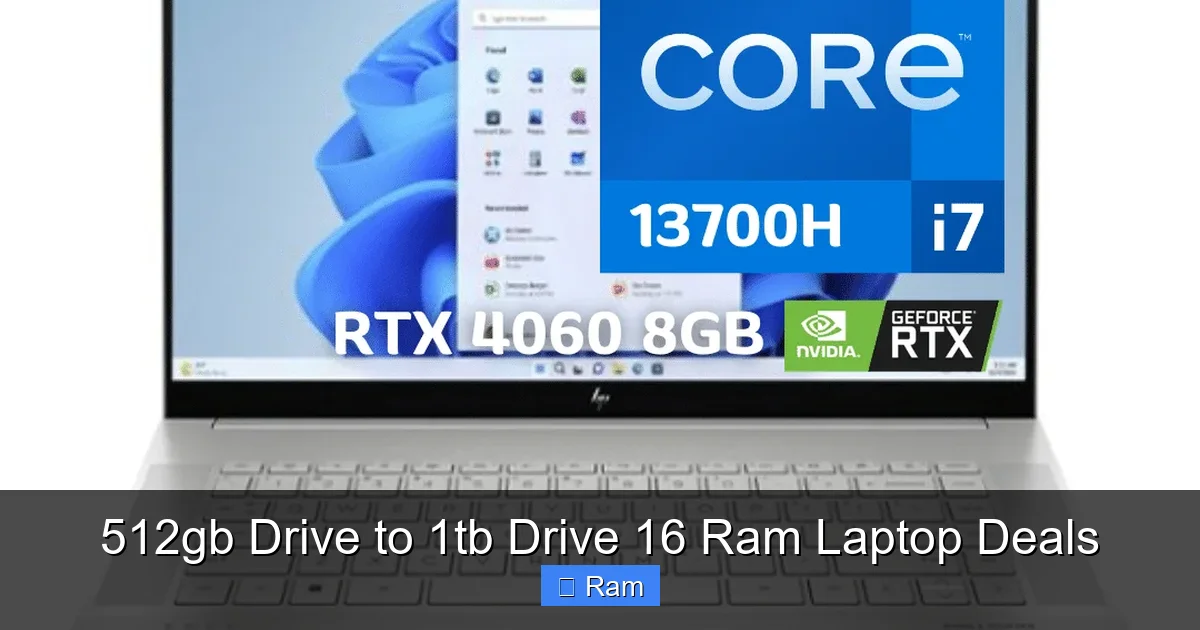
Upgrading from a 512GB drive to a 1TB drive and 16GB of RAM in a laptop transforms your computing experience, eliminating storage anxiety and enabling true multitasking. This guide cuts through the noise to show you exactly where and how to find the best current deals on these capable machines, what real-world benefits you’ll gain, and how to choose the right model for your specific needs and budget.
Key Takeaways
- The 512GB to 1TB jump is a game-changer: Doubling your solid-state drive (SSD) storage from 512GB to 1TB eliminates constant file management, allowing you to keep your OS, major applications, and a vast personal media library installed simultaneously without performance slowdowns.
- 16GB RAM is the new sweet spot: For modern productivity, creative work, and gaming, 16GB of RAM provides a seamless multitasking experience, preventing lag when running dozens of browser tabs alongside heavy applications like video editors or virtual machines.
- Look for “deal stacks”: The best savings often come from combining a manufacturer’s outlet/refurbished program with a major holiday sale (Black Friday, Prime Day) and a credit card portal discount for maximum total savings on a 1TB/16GB configuration.
- Prioritize upgradeability: When deal hunting, check if the laptop allows user-upgrades to RAM and storage. Some ultrabooks solder these components, so buying the configuration you need upfront is critical.
- Balance CPU with your upgrades: A 1TB SSD and 16GB RAM paired with a weak processor (like a low-end Intel Celeron or older AMD A-series) is a mismatched investment. Ensure the CPU (Intel Core i5/i7 or AMD Ryzen 5/7) matches the capability of your storage and memory.
- Refurbished from brands is a goldmine: Manufacturer-certified refurbished laptops (Dell Outlet, Apple Refurbished, Lenovo Outlet) often offer the same 1TB/16GB specs as new models at 15-30% off, with full warranties.
- Future-proofing saves money long-term: Investing in a 1TB/16GB laptop now typically extends its useful life by 2-3 years compared to a 512GB/8GB model, offering better long-term value even if the upfront cost is slightly higher.
📑 Table of Contents
- Why Your Next Laptop Should Be a 1TB / 16GB Powerhouse
- Demystifying the Specs: SSD vs. HDD, NVMe vs. SATA, and RAM Speed
- The Tangible Benefits: What 1TB and 16GB Actually Get You
- Strategic Deal Hunting: Where and When to Find the Best Prices
- Top Contender Categories: Finding the Right 1TB/16GB Laptop for You
- Upgrade Now or Buy Later? The Smart Decision Framework
- Your Action Plan: Securing the Perfect Deal Today
- Conclusion: More Than Just Storage and Memory
Why Your Next Laptop Should Be a 1TB / 16GB Powerhouse
Let’s be honest. That “low storage” warning is a modern anxiety. You’re deleting photos, uninstalling games you love, and constantly moving old projects to an external hard drive. It’s a digital juggling act that steals focus and time. The feeling of your laptop slowing to a crawl because you dared to open a second program? Frustrating. The solution isn’t magic—it’s a specific, powerful hardware combination: a 1-terabyte (1TB) solid-state drive (SSD) paired with 16 gigabytes (GB) of RAM. This isn’t about having “more for the sake of more.” It’s about building a frictionless, efficient, and enjoyable computing environment that works for you, not against you. Finding 512gb drive to 1tb drive 16 ram laptop deals is the smartest way to access this level of performance without the premium price tag of a fully loaded top-tier model.
The shift from a 512GB SSD to a 1TB SSD is more than just doubling a number. It’s the difference between a cramped studio apartment and a spacious loft. With 512GB, your operating system, core applications (like Microsoft Office or Adobe Suite), and a few large projects eat up most of the space. You’re perpetually managing storage. With 1TB, you have breathing room. You can keep your entire creative portfolio, a massive game library, and your media collection all installed and ready to launch instantly. There’s no more “should I delete this to install that?” decision paralysis. This storage upgrade directly impacts your workflow fluidity and mental load.
Simultaneously, stepping up from the common 8GB of RAM to 16GB is the multitasking multiplier. 8GB is the bare minimum for today’s Windows 11 or macOS. It can handle basic tasks but chokes under a real workload—think 20+ Chrome tabs, a Spotify playlist, a Slack or Teams call, and a Word document open at once. 16GB of RAM is the gateway to true multitasking. It allows your system to keep everything in fast memory, swapping data to the SSD far less often. The result is a consistently responsive feel, whether you’re a student researching with a dozen PDFs open, a professional editing high-resolution video, or a gamer streaming while chatting. The synergy between a fast, spacious 1TB SSD and ample 16GB RAM creates a system that feels perpetually ready.
Demystifying the Specs: SSD vs. HDD, NVMe vs. SATA, and RAM Speed
Before you chase deals, you need to speak the language. Not all “1TB drives” and “16GB RAM” are created equal. Understanding these nuances ensures you get a genuinely great machine, not just a spec-sheet filler.
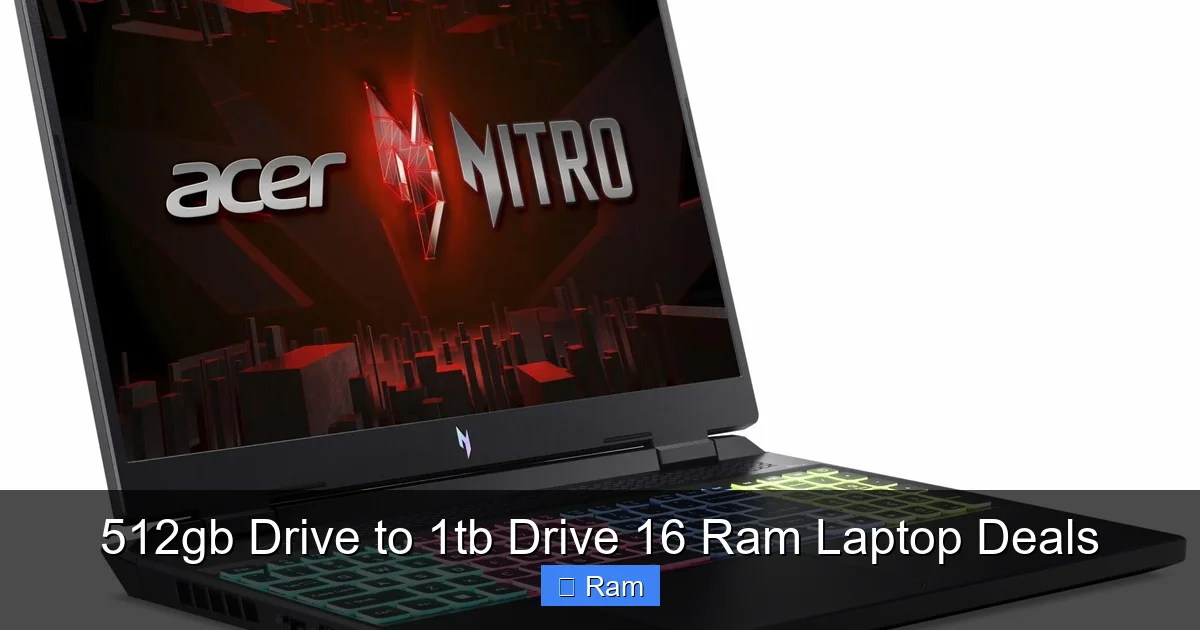
Visual guide about 512gb Drive to 1tb Drive 16 Ram Laptop Deals
Image source: laptopmedia.com
SSD is Non-Negotiable: Why Your Drive Must Be Solid-State
If a deal offers a 1TB Hard Disk Drive (HDD), run. HDDs are the old spinning-platter technology. They are slow, loud, power-hungry, and fragile. For any laptop you plan to use as a primary machine, you must have a Solid-State Drive (SSD). SSDs use flash memory, making them exponentially faster, silent, more durable, and lighter. The performance difference is night and day—booting Windows in 10 seconds vs. 45 seconds, apps launching instantly. Any 512gb drive to 1tb drive 16 ram laptop deals you consider must have an SSD as the storage medium.
The NVMe Advantage: Unlocking SSD Speed
Within SSDs, there are two main interfaces: SATA and NVMe (PCIe). SATA SSDs are fast, but NVMe SSDs connect directly to the motherboard’s high-speed PCIe bus. They are 3 to 5 times faster than SATA SSDs in real-world tasks like loading large game levels, opening massive Photoshop files, or transferring huge video clips. For the ultimate experience, prioritize a 1TB NVMe SSD. However, a good SATA SSD is still a massive upgrade over an HDD and will feel very fast for general use. Check the laptop’s specs sheet for “NVMe,” “PCIe SSD,” or “M.2 SSD” (most M.2 drives are NVMe).
RAM: It’s Not Just About Capacity (Speed Matters Too)
You see “16GB RAM,” but you should also look for the speed, measured in megahertz (MHz). Common speeds are 2666MHz, 3200MHz, 4800MHz, and higher. Faster RAM allows the CPU to access data more quickly, improving performance in CPU-sensitive tasks like gaming, video encoding, and scientific computing. For most users, 16GB of 3200MHz RAM is a fantastic, balanced sweet spot. Don’t obsess over getting the absolute fastest RAM at the cost of other components, but avoid very slow speeds (e.g., 2133MHz) if you have a choice.
The Tangible Benefits: What 1TB and 16GB Actually Get You
Let’s move from specs to real life. Here’s what this combination unlocks for different user types.
Visual guide about 512gb Drive to 1tb Drive 16 Ram Laptop Deals
Image source: laptopmedia.com
For Students & Professionals: The End of “Storage Stress”
Imagine your laptop as your digital backpack. With 512GB, you’re constantly deciding what notebooks (files) to carry and what to leave in your locker (external drive). With 1TB, you carry everything: all your semester’s materials, research papers, textbooks (PDFs), and your personal media. You never have to interrupt your flow to free up space. Coupled with 16GB RAM, you can have 50 browser tabs for research, a Zoom call, a Word doc, and a PDF annotation tool all running smoothly. Your laptop stops being a source of anxiety and becomes a reliable tool.
For Creative Pros: Handling Massive Projects Gracefully
Video editors, photographers, and graphic designers work with huge files. A single minute of 4K video can be several GBs. A high-resolution Photoshop project with layers can balloon in size. With 512GB, you’re forced to keep only active projects on your internal drive, archiving the rest externally. This slows down your workflow. A 1TB SSD lets you store your active project library and your software suite (like Adobe Creative Cloud) on the fast internal drive. 16GB RAM is critical here—it allows you to work on large, complex files without the system stuttering as it tries to manage data flow. Rendering times drop, scrubbing through video timelines becomes smooth, and switching between layers in Photoshop is instant.
For Gamers & Entertainment: Your Entire Library, Ready to Play
Modern AAA games are storage hogs, with many exceeding 100GB. With a 512GB SSD, you can maybe fit 3-4 large games at a time, plus your OS. You’re perpetually uninstalling one game to install another. A 1TB SSD changes the game (literally). You can maintain a healthy library of 8-10 large titles and always have one ready to play in minutes. 16GB RAM is the standard for modern gaming. It ensures smooth gameplay while also allowing you to have Discord, a web browser with a guide open, and streaming software running in the background without hitches. For cloud gamers (GeForce Now, Xbox Cloud), 16GB RAM ensures your browser session remains buttery smooth while streaming a demanding title.
Strategic Deal Hunting: Where and When to Find the Best Prices
Now, the fun part. Finding these capable laptops at a discount requires strategy, not just luck. You need to know where to look and when.
Visual guide about 512gb Drive to 1tb Drive 16 Ram Laptop Deals
Image source: laptopmedia.com
Primary Sources: Manufacturer Outlets & Refurbished Programs
This is often the #1 source for exceptional value. Major brands have official programs for selling open-box, returned, and refurbished laptops with full warranties. These are not “used” in the shady sense; they are professionally inspected, restored to like-new condition, and backed by the manufacturer’s warranty (often 1 year). Dell Outlet, Lenovo Outlet, HP Renew, Apple Refurbished, and Microsoft Store Refurbished are prime hunting grounds. You can frequently find configurations with 1TB SSDs and 16GB RAM that are otherwise out of your new-price budget. Sign up for their email alerts for new stock.
Major Retail Sale Events: The Calendar is Your Friend
Timing your purchase around major sales cycles is crucial. Mark these dates:
- Black Friday / Cyber Monday (November): The absolute peak for laptop deals across all retailers.
- Amazon Prime Day (July): Huge discounts on a wide range of brands, often matching Black Friday prices on select models.
- Back-to-School (July-August): Many brands offer student discounts (via UNiDAYS or .edu email) bundled with sales.
- New Year / January: Retailers clear out older models before new spring releases.
- Memorial Day & Labor Day Sales: Solid summer and early fall promotions.
During these events, retailers like Best Buy, Amazon, Newegg, and B&H Photo will heavily discount current and previous-gen models. Use price tracking tools like CamelCamelCamel (for Amazon) or browser extensions to see historical price data and confirm if a “deal” is actually a good deal.
Bundle & Cashback Strategies
Don’t just look at the sticker price. The final cost can be lowered in several ways:
- Bundle Deals: Look for “free gift” bundles (mouse, bag, software) that add value, or bundles where adding a printer or accessory lowers the laptop’s net price.
- Credit Card Portal Discounts: If you have a credit card with a shopping portal (e.g., Chase Ultimate Rewards, Amex Offers), you can often get an extra 5-10% cash back or statement credit on purchases from major electronics retailers.
- Manufacturer Mail-In Rebates: These are less common now but still exist. A $100 mail-in rebate effectively lowers your cost, but you must follow through and submit paperwork.
- Student/Teacher/Military Discounts: Always check for these identity-based discounts on top of sale prices. They can be an additional 5-10% off.
Top Contender Categories: Finding the Right 1TB/16GB Laptop for You
Not all laptops are equal. Here’s where to focus your search based on your primary use case.
Premium Ultrabooks & Productivity Powerhouses
These are sleek, lightweight, and built with premium materials (aluminum, magnesium). They prioritize portability, battery life, and great screens. They often have soldered RAM and storage, so you must buy the 1TB/16GB configuration you want.
- Examples: Dell XPS 13/15, Apple MacBook Air (M1/M2/M3 – note: RAM is unified memory, 16GB is excellent), Lenovo ThinkPad X1 Carbon, HP Spectre x360, Microsoft Surface Laptop.
- Best for: Business travelers, students, writers, general productivity. They offer the best blend of form and function.
- Deal Tip: Look for previous-generation models (e.g., last year’s XPS 15) during new model launches. They are heavily discounted but still incredibly capable.
Mainstream & Value Champions
This is the sweet spot for most people. These laptops offer excellent performance for the price, often with more upgradeability (user-accessible RAM and storage slots) than ultrabooks. You can sometimes buy a base model with 8GB/512GB and upgrade yourself for less, but pre-built deals on 16GB/1TB are common.
- Examples: Dell Inspiron 16, Lenovo IdeaPad 5/7, HP Pavilion Aero, Acer Swift X, ASUS Vivobook Pro.
- Best for: Families, college students, home office workers, casual creators. They provide great specs without the ultra-premium price.
- Deal Tip: These are the most frequently discounted models during major sales events. Stock up on these during Black Friday.
Gaming & Creator Workstations
These are performance beasts. They feature dedicated GPUs (NVIDIA GeForce RTX or AMD Radeon RX), high-refresh-rate screens, and robust cooling. They almost always have user-upgradeable RAM and storage, making them fantastic long-term investments.
- Examples: ASUS ROG Zephyrus/Strix, Lenovo Legion 5/7, Dell G15/G16, MSI Stealth/Alpha, Acer Nitro/Predator.
- Best for: PC gaming, video editing, 3D rendering, engineering software. The 1TB SSD is essential for game libraries; 16GB RAM is the starting point for serious work.
- Deal Tip: Look for deals on last year’s GPU model (e.g., RTX 4060 when RTX 50-series launches). The performance drop is minimal, but the price cut is significant. Also, check the manufacturer’s outlet for “open box” gaming laptops with minor cosmetic wear but full warranty and big discounts.
Upgrade Now or Buy Later? The Smart Decision Framework
You’ve found a potential deal. But should you jump on it? Use this quick checklist.
Ask Yourself: Is My Current Machine Truly Inadequate?
Be honest. Are you constantly waiting for programs to load? Do you see the spinning beachball or “Not Responding” message daily? Is your drive over 90% full? If yes, an upgrade to 1TB/16GB will feel transformative. If your 512GB laptop is mostly empty and you only ever have a few apps open, you might be fine, and the money could be saved for a future full replacement.
The “Future-Proofing” Math
Consider the lifespan. A well-specified laptop (good CPU + 16GB RAM + 1TB SSD) can comfortably last 4-5 years for most tasks. A lower-spec machine (8GB RAM, 512GB SSD) may feel strained in 2-3 years as software bloat increases. Paying an extra $200-$400 now for the better specs could mean you avoid a premature replacement purchase in 3 years, ultimately saving money. Calculate the annualized cost of ownership.
Check for Upgradeability Before You Buy (If Buying New)
This is critical. If you’re considering a deal on a new model, search for “[Laptop Model] teardown” or “[Laptop Model] upgrade guide” on YouTube or forums like Reddit’s r/LaptopDeals or r/ThinkPad. See if there are empty RAM slots and if the SSD is on a standard M.2 slot. If the RAM is soldered and the SSD is the only upgradeable part, you are locked into the RAM capacity forever. In that case, buying the 16GB configuration now is mandatory.
Your Action Plan: Securing the Perfect Deal Today
We’ve covered the “why” and “what.” Here is your step-by-step “how.”
- Define Your Non-Negotiables: Is it a specific screen size (14” vs. 15.6”)? A must-have operating system (Windows vs. macOS)? A minimum CPU (e.g., Intel Core i5 or AMD Ryzen 5)? Write these down.
- Set Up Alerts: Create a saved search on sites like Newegg, Amazon, and Best Buy for “16GB RAM 1TB SSD laptop.” Use the “Laptop Deals” subreddit and deal-aggregator sites like Slickdeals, setting up email alerts for your keywords.
- Prioritize Manufacturer Outlets: Make it a habit to check Dell Outlet, Lenovo Outlet, etc., weekly. Stock changes daily. Filter for your desired specs (1TB SSD, 16GB RAM).
- During Major Sales: Have 2-3 models in mind. When the sale hits, compare prices across retailers. Don’t assume one store is always cheapest. Factor in tax and shipping.
- Final Vetting: Before purchasing any deal, read professional reviews (from sites like Notebookcheck, Laptop Mag) and user reviews (on Amazon, Best Buy) for that specific model. Look for comments on thermals (heat), keyboard quality, screen brightness, and battery life—things the spec sheet doesn’t tell you.
- Check Return Policy & Warranty: Especially for refurbished/open-box items, understand the return window (usually 14-30 days) and what the warranty covers. Ensure it’s a manufacturer warranty, not just a third-party seller’s.
The hunt for the perfect 512gb drive to 1tb drive 16 ram laptop deals is a process, not a one-click purchase. But armed with this knowledge, you’re not just a buyer; you’re a strategic shopper. You’re investing in a tool that will eliminate daily frustrations, enable your hobbies and work, and provide reliable service for years. That is the true value of a great deal.
Conclusion: More Than Just Storage and Memory
Upgrading to a 1TB SSD and 16GB of RAM is one of the most impactful improvements you can make to a laptop’s usability. It directly attacks two of the most common pain points: insufficient fast storage and inadequate memory for modern multitasking. The deals are out there, waiting to be found. They require patience, a strategic approach to timing and sourcing, and a clear understanding of your own needs. By focusing on reputable sources like manufacturer outlets, timing your purchase with major sales, and prioritizing the right balance of CPU, storage, and RAM, you can secure a powerful, future-ready machine at a price that makes sense. Stop managing your digital life within constraints. Start with a foundation that empowers everything you want to do. Your perfect, spacious, and speedy laptop deal is within reach.
Frequently Asked Questions
Is a 1TB SSD really necessary, or is 512GB enough for most people?
For many, 512GB is the bare minimum and often leads to constant storage management. A 1TB SSD provides essential breathing room for your OS, core applications, a personal media library, and several large projects or games without the stress of running out of space. It significantly improves long-term user satisfaction and system longevity.
Can I upgrade the RAM and storage myself after buying a cheaper 8GB/512GB model to save money?
Sometimes, but it depends entirely on the specific laptop model. Many modern ultrabooks and some thin-and-lights solder the RAM directly to the motherboard, making it impossible to upgrade. Storage (the SSD) is more commonly upgradeable. Always research a model’s upgradeability before purchasing the base configuration. If RAM is soldered, buying the 16GB model upfront is your only option.
Are refurbished laptops from manufacturer outlets reliable and safe to buy?
Yes, when purchased from the official manufacturer outlet (e.g., Dell Outlet, Apple Refurbished, Lenovo Outlet). These are not random used laptops. They are typically returned units that undergo a full certification process, including functional testing, cosmetic grading, and a complete OS reinstall. They come with a full manufacturer warranty (usually 1 year), making them a very safe and high-value way to get premium specs at a discount.
What’s the biggest mistake people make when hunting for these laptop deals?
Focusing solely on the 1TB and 16GB specs while ignoring the processor (CPU). Pairing a weak, low-power CPU (like an Intel Celeron or an old AMD Athlon) with a fast SSD and lots of RAM creates a severe bottleneck. The system will still feel slow. Always ensure the CPU is a current-generation Intel Core i5/i7 or AMD Ryzen 5/7 that can keep up with your storage and memory.
Should I wait for the next big sale if I need a laptop now?
If your current laptop is broken or severely hindering your work/studies, buying a good deal now is better than suffering. However, if you can wait 2-3 months, targeting a major sale event like Black Friday or Prime Day will almost certainly yield better discounts. Use the waiting period to research and shortlist your preferred models so you’re ready to act when the sale hits.
Do I need to worry about the type of 1TB SSD (NVMe vs. SATA) in a deal?
For a significant performance boost over an old HDD, both NVMe and SATA SSDs are excellent. However, NVMe (PCIe) SSDs are 3-5x faster than SATA SSDs in sequential read/write speeds, which matters for large file transfers and loading times in games/pro apps. If the price difference is small, prioritize NVMe. If a great deal has a SATA SSD, it’s still a fantastic upgrade over any HDD and will feel very fast for everyday use.