Adobe Audition Cc 2021 System Requirements

Adobe Audition CC 2021 needs a modern processor, at least 8GB of RAM, and a solid-state drive for smooth audio editing. Whether you use Windows or Mac, meeting the right specs ensures multitrack editing runs without lag. This guide breaks down every requirement so you can set up your audio workstation with confidence.
If you are planning to install Adobe Audition CC 2021, you need to know what your computer can handle. Running demanding audio production software on an underpowered machine leads to crashes, lag, and frustration. Nobody wants that. This guide walks you through every system requirement you need to check before hitting that download button.
Adobe Audition CC 2021 is a professional-grade sound editing tool used by podcasters, musicians, and audio engineers. It supports multitrack editing, noise reduction, and effects processing. But all that power comes with a price tag in terms of hardware demands. Let us break it all down so you know exactly what to look for.
Key Takeaways
- Minimum vs. Recommended Specs: Know the difference between what Adobe says you need and what actually delivers a smooth experience.
- Processor and RAM Matter Most: A fast CPU and enough memory are the backbone of any audio editing software.
- Storage Speed Is Critical: An SSD makes a huge difference in load times and project stability.
- OS Compatibility: Adobe Audition CC 2021 supports both Windows 10 and macOS, but version details matter.
- GPU and Display: A dedicated graphics card helps with complex sessions and real-time effects.
- Cooling and Power: Sustained audio rendering workloads need good airflow and a reliable power supply.
- Upgrade Tips Included: Simple steps to boost an older PC for audio production without breaking the bank.
📑 Table of Contents
- Why System Requirements Matter for Adobe Audition CC 2021
- Adobe Audition CC 2021 Minimum System Requirements
- Adobe Audition CC 2021 Recommended System Requirements
- Operating System and Software Compatibility
- How to Check Your PC Specs Before Installing
- Common Mistakes People Make with System Requirements
- Upgrading Your PC for Adobe Audition CC 2021
- Final Thoughts on Adobe Audition CC 2021 System Requirements
Why System Requirements Matter for Adobe Audition CC 2021
You might wonder why the system requirements for this software matter so much. The answer is simple. Audio editing involves processing multiple audio tracks at the same time. Each track uses CPU power, memory, and storage speed. If any one of these falls short, your experience suffers.
Think of it like cooking a big meal. You need the right tools, enough counter space, and a working stove. If your stove is too weak, the meal takes forever. If your counter is too small, you run out of room. The same logic applies to your computer when you work with multitrack audio projects.
Meeting the minimum requirements lets you run the software. But meeting the recommended specs gives you a comfortable, creative experience. Always aim for the recommended side if you can. Your future self will thank you when you are working on a tight deadline.
Adobe Audition CC 2021 Minimum System Requirements
The minimum requirements are the bare essentials. Adobe sets these so the software can technically run on almost any modern computer. But do not be surprised if performance feels sluggish on older hardware.
Processor
You need a multi-core processor with at least 2.4 GHz speed. Both Intel and AMD chips qualify. The processor handles all the real-time audio processing, so faster is always better. If your CPU is older than a few generations, you may run into issues with sound editing workflows.
RAM
8GB of RAM is the absolute minimum. This amount handles basic projects with a few tracks. But the moment you add effects, plugins, or more tracks, you will feel the squeeze. RAM for Adobe Audition is one of the most important factors in overall performance.
Storage
You need at least 2GB of available hard drive space for installation. However, Adobe strongly recommends using an SSD storage drive. Traditional hard drives are too slow for loading large audio files. An SSD cuts load times dramatically and keeps your audio workstation responsive.
Operating System
Windows 10 (64-bit) version 1903 or later is required. macOS 10.14 (Mojave) or later also works. Make sure your operating system is updated. Outdated OS versions can cause compatibility issues and even prevent installation.
Display
A display with at least 1280 x 800 resolution is needed. A larger monitor helps when you are working with multiple tracks and mixing consoles in the Audition interface.
Adobe Audition CC 2021 Recommended System Requirements
The recommended specs are what you should aim for. These settings give you headroom for complex projects and smooth multitrack editing. If you plan to use audio production professionally, do not settle for less.
Processor
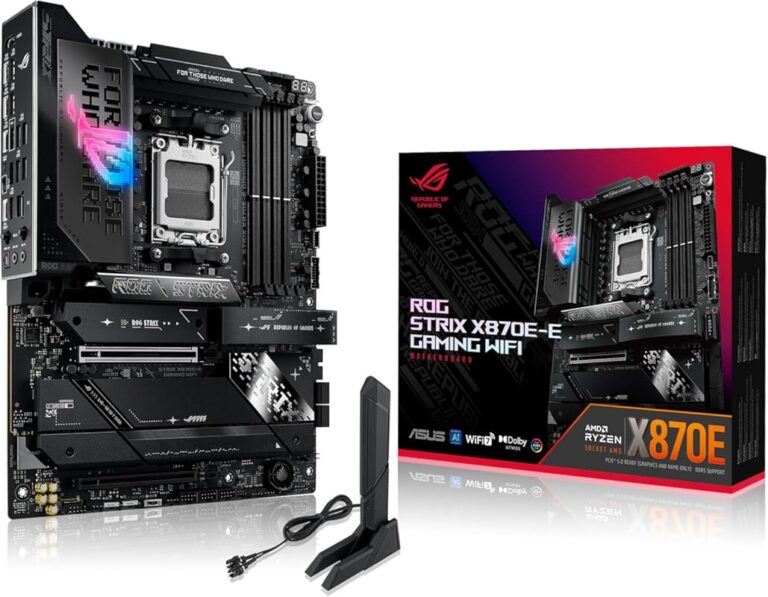
Aim for a 6-core or better CPU running at 3.0 GHz or higher. Intel Core i7 or AMD Ryzen 7 processors are excellent choices. The more cores your processor has, the better it handles simultaneous audio tracks and real-time effects rendering.
RAM
16GB of RAM is the sweet spot for most users. It lets you work with dozens of tracks, apply effects, and run background apps without slowdowns. If your budget allows, go with 32GB of RAM for heavy-duty sound editing sessions.
Storage
Use a solid-state drive with at least 50GB of free space for projects. Store your active projects on the SSD and keep archived files on a secondary drive. This setup keeps everything fast and organized.
Graphics Card
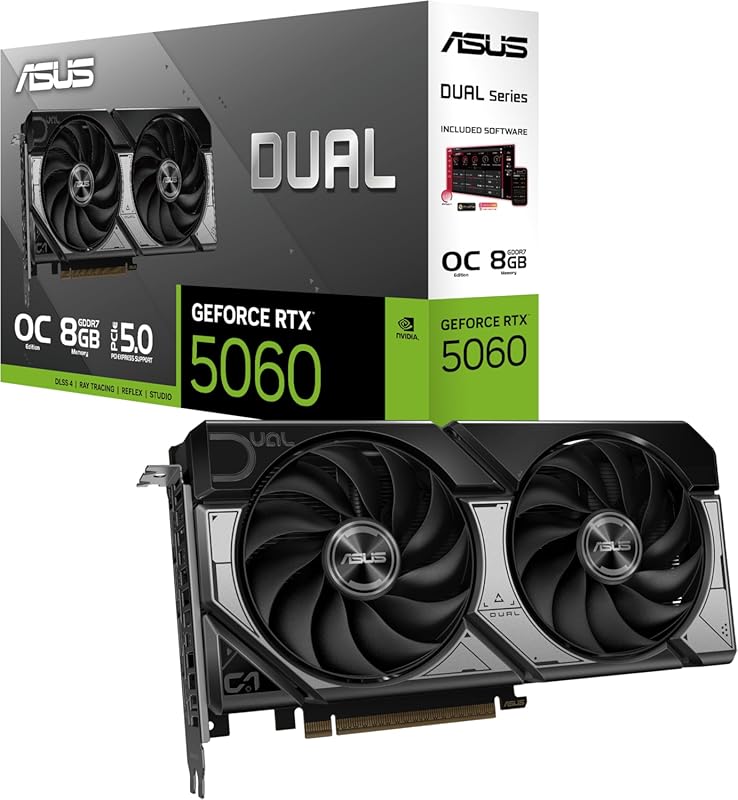
A dedicated GPU with at least 2GB of VRAM is recommended. While Audition is not a graphics-heavy app, a good graphics card helps with GPU-accelerated effects and smoother UI performance. The best operating system for gaming PC articles often recommend similar GPUs, and those same cards work great for audio workstations too.
Cooling
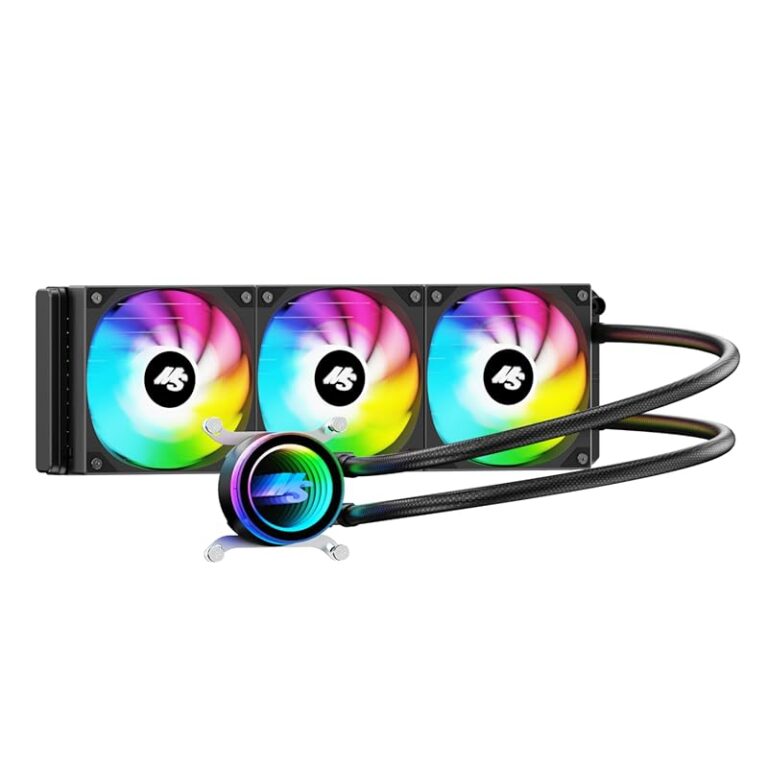
Long rendering sessions generate heat. A good cooling system keeps your PC running stable under load. Overheating causes throttling, which slows down your audio production workflow. Consider checking out guides on the best cooling system for PC to keep temperatures in check during heavy editing sessions.
Operating System and Software Compatibility
Adobe Audition CC 2021 works with both Windows and macOS. But the specific version of your operating system matters a lot. Here is what you need to know.
On Windows, you need the 64-bit version of Windows 10. Windows 7 and 8 are no longer supported. On Mac, macOS 10.14 or later is required. Apple Silicon Macs can run Audition through Rosetta 2 translation, but native performance is still catching up.
Always keep your operating system updated. Software updates patch security holes and improve compatibility. Before installing Adobe Audition CC 2021, run Windows Update or macOS Software Update to make sure everything is current.
Also, make sure you have the latest version of Adobe Creative Cloud installed. The Creative Cloud desktop app manages your audio editing software licenses and updates. Without it, you cannot activate or run Audition properly.
How to Check Your PC Specs Before Installing
Before you download Adobe Audition CC 2021, check your current system specs. This step saves time and prevents frustrating installation errors.
On Windows, press the Windows key and type “System Information.” Look for your processor name, installed RAM, and system type. On Mac, click the Apple menu, choose About This Mac, and review the processor, memory, and storage details.
Compare your specs against the requirements listed above. If you are close but not quite there, consider targeted upgrades. Adding RAM or swapping in an SSD are the easiest and most affordable improvements you can make.
Quick Tips to Check Your Setup
- Use the built-in System Information tool on Windows or About This Mac on macOS.
- Check your storage speed. If you are unsure, run a free benchmark tool to see if you have an SSD or HDD.
- Verify your OS version matches the minimum requirement.
- Make sure your GPU drivers are up to date for the best display performance.
Common Mistakes People Make with System Requirements
Many users skip checking their system specs before installing Adobe Audition CC 2021. This mistake leads to poor performance or outright failure to run the software. Here are the most common errors to avoid.
Mistake 1: Ignoring RAM requirements. Some users think 8GB is enough for everything. In reality, modern audio production demands more memory. Running a web browser with several tabs while editing audio eats into your available RAM fast.
Mistake 2: Using a traditional hard drive. HDDs are too slow for loading large audio files. An SSD storage drive is almost mandatory for a smooth experience. Without one, you will wait long seconds every time you load a session.
Mistake 3: Overlooking the GPU. Even though Audition is an audio tool, the interface uses GPU acceleration. A weak or outdated graphics card causes stuttering and slow rendering in the Audition workspace.
Mistake 4: Running an outdated operating system. Old OS versions lack security updates and compatibility patches. Always stay current with your system software to ensure smooth operation of your audio workstation.
Upgrading Your PC for Adobe Audition CC 2021
If your current computer does not meet the recommended specs, you have options. You do not need to buy an entirely new machine. Targeted upgrades can make a big difference.
Adding RAM is the simplest upgrade. Most modern PCs support up to 32GB or even 64GB of memory. Check your motherboard or Mac specs first to see what is compatible. Swapping from an HDD to an SSD is the second most impactful upgrade. It transforms load times and overall system responsiveness.
If you are a serious audio production user, consider upgrading your processor next. A faster CPU handles complex sessions with many tracks and effects. And if your current graphics card is very old, a modern GPU will improve the visual performance of the Audition interface.
For those who work with sound editing projects regularly, a well-ventilated case and good fans go a long way. Sustained rendering sessions push your hardware hard. Proper airflow, much like what you find in the best home theater system setups, ensures stable performance over long hours of work.
Final Thoughts on Adobe Audition CC 2021 System Requirements
Getting the right system requirements for Adobe Audition CC 2021 is the first step toward a great audio editing experience. Meeting the minimum specs gets the software running. But hitting the recommended specs gives you room to grow, create, and produce without technical headaches.
Focus on your processor, RAM, and storage speed first. These three components have the biggest impact on performance. Add a solid graphics card and good cooling, and your audio workstation will handle even the most demanding multitrack editing projects with ease.
Take the time to check your current setup before you install. A little preparation goes a long way. And if you need to upgrade, start with RAM and an SSD. These two changes deliver the most bang for your buck and will make your Adobe Audition CC 2021 experience something to look forward to every time you sit down to create.
Frequently Asked Questions
Can Adobe Audition CC 2021 run on a laptop?
Yes, it can run on a laptop as long as the laptop meets the minimum or recommended system requirements. Most modern laptops with an Intel Core i5 or better processor, 8GB of RAM, and an SSD will run Adobe Audition CC 2021 smoothly. Gaming and creative laptops are especially well-suited for audio production on the go.
Is 8GB of RAM enough for Adobe Audition CC 2021?
8GB is the minimum requirement and works for basic projects with a few audio tracks. However, if you plan to use many effects, plugins, or work on larger sessions, 16GB or more is strongly recommended. Insufficient RAM is one of the most common causes of slowdowns in sound editing workflows.
Does Adobe Audition CC 2021 need a dedicated graphics card?
A dedicated graphics card is not strictly required but is recommended for the best experience. The Audition interface benefits from GPU acceleration, especially when working with complex multitrack sessions. A card with at least 2GB of VRAM will keep the interface responsive and smooth.
Can I use Adobe Audition CC 2021 on macOS?
Yes, Adobe Audition CC 2021 is compatible with macOS 10.14 or later. Apple Silicon Macs can run it through Rosetta 2, though native support continues to improve. Always check Adobe’s official system requirements page for the latest macOS compatibility details.
What type of storage is best for Adobe Audition CC 2021?
An SSD (solid-state drive) is the best choice for storing your Audition projects and the software itself. SSDs offer much faster read and write speeds compared to traditional HDDs, which dramatically reduces load times and improves overall stability during audio editing sessions.
How much storage space do I need for Adobe Audition CC 2021?
You need at least 2GB of free space for the application installation. However, audio projects can take up significant space quickly, especially at high sample rates and bit depths. Plan for at least 50GB of free space on your primary drive for active projects and media files.
=== CONCLUSION ===
Understanding the Adobe Audition CC 2021 system requirements is essential before you start your audio production journey. The right hardware setup ensures smooth multitrack editing, fast rendering, and a frustration-free creative experience. Focus on a strong processor, ample RAM, and fast SSD storage as your top priorities. Whether you are a beginner podcaster or a seasoned audio engineer, meeting these specs sets you up for success. Take action today, check your current setup, and make the upgrades you need. Your sound editing workflow will thank you every single time you open Adobe Audition CC 2021.