Best Mini Pc in 2026 Under 1000 Mac Mini Vs Mini Pcs Can These Mini Pcs Outperform a Mac Mini
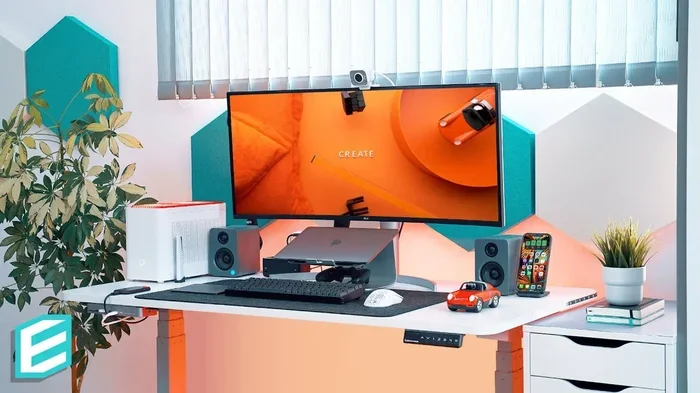
The best mini PC in 2026 under $1000 offers serious power in a tiny footprint. Many users wonder if a mini PC can outperform a Mac Mini, and the answer is yes — depending on your needs. In this guide, we break down top picks, compare specs, and help you choose the right compact desktop for your budget.
Let’s be honest. When most people think about a powerful desktop computer, they picture a big tower sitting under a desk. But times have changed. A mini PC can now handle everyday tasks, creative work, and even gaming — all from a device smaller than a textbook.
If you are shopping for a compact desktop in 2026, you have probably seen the Mac Mini everywhere. Apple’s little box has been a fan favorite for years. But here is the real question: can a mini PC under $1000 actually outperform a Mac Mini?
The short answer is: it depends on what you need. In this guide, we will walk you through the best mini PCs under $1000 in 2026, compare them side by side with the Mac Mini, and help you decide which one is the right fit. Whether you want a budget desktop for work, a small form factor PC for media, or a compact gaming rig, we have got you covered.
Key Takeaways
- Mini PCs under $1000 deliver impressive performance: Modern compact desktops pack powerful processors and SSD storage in small frames.
- Mac Mini still holds its ground: Apple’s mini offers strong build quality and macOS, but Windows mini PCs often provide better value.
- Choose based on your use case: Gaming, office work, media streaming, and creative tasks all demand different specs.
- Upgradeability matters: Some mini PCs allow RAM and storage upgrades, while others are sealed units.
- Connectivity options vary widely: Check ports, Wi-Fi standards, and expansion slots before buying.
- Budget mini PCs are getting better every year: 2026 models feature newer chips and improved efficiency.
📑 Table of Contents
Why Choose a Mini PC in 2026?
Mini PCs have come a long way. Just a few years ago, these tiny machines were mostly for basic browsing and office tasks. Today, they can run demanding software, handle multitasking with ease, and even deliver solid gaming performance.
Here are the top reasons people are switching to mini desktop computers in 2026:
- Space savings: A mini PC takes up almost no desk space. You can mount it behind a monitor or tuck it away in a drawer.
- Energy efficiency: Small PCs use far less power than traditional towers. That means lower electricity bills over time.
- Portability: Many models are light enough to carry around. You can move from room to room or take it on the go.
- Quiet operation: Without large fans, mini PCs run much quieter than standard desktops.
- Affordability: You can get a capable budget mini PC for well under $1000, especially compared to Apple’s pricing.
If you are tired of a bulky tower hogging space, a small form factor PC might be exactly what you need. And the good news? You do not have to spend a fortune to get one that performs well.
Mac Mini vs Mini PCs: The Great Comparison
Apple’s Mac Mini has been the gold standard for compact desktops since 2018. It features a sleek aluminum design, macOS, and solid performance. But the market has evolved, and plenty of Windows mini PCs now rival or even beat it in certain areas.
Performance
The Mac Mini uses Apple’s M-series chips, which are excellent for everyday tasks and creative work. However, many Intel and AMD-based mini PCs in 2026 now offer competitive multi-core performance at a lower price point. If you need raw CPU power for video editing or coding, some budget desktop alternatives actually pull ahead.
Operating System and Software
This is where the Mac Mini wins for many users. macOS is polished, stable, and optimized for Apple hardware. If you rely on Apple apps like Final Cut Pro or Logic Pro, the Mac Mini is hard to beat. But if you prefer Windows or need flexibility, a Windows mini PC gives you access to a much wider software library and gaming ecosystem.
Price and Value
The base Mac Mini starts at a premium price. When you add RAM or storage, the cost climbs fast. A mini PC under $1000 often gives you more bang for your buck — faster processors, more ports, and expandable storage. If you want the best value in a compact form factor, you will likely find it among non-Apple options.
Build Quality and Design
Apple’s design is undeniably premium. The Mac Mini feels solid and looks great in any setup. That said, many compact desktop PCs from brands like Beelink, Minisforum, and Chuwi now offer sleek, well-built designs that rival Apple’s aesthetic. The gap in build quality has narrowed significantly.
Connectivity and Ports
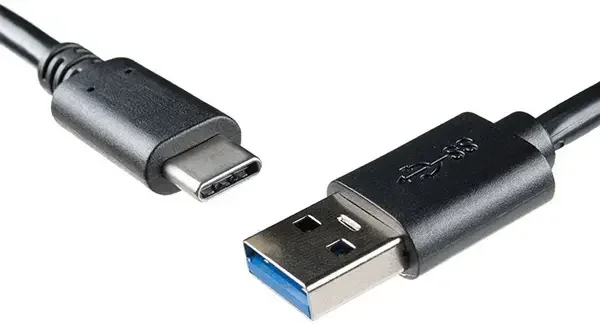
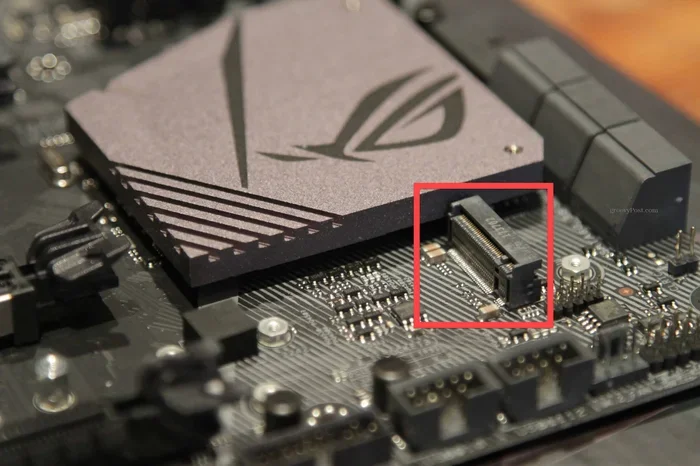
Mac Mini offers two Thunderbolt ports, two USB-A ports, HDMI, and Ethernet. Some mini PCs for under 1000 come with even more ports, including USB-C, DisplayPort outputs, and dual M.2 slots for storage expansion. Always check what connections you need before buying.
Best Mini PCs Under $1000 in 2026
Now let us look at some of the top mini PCs you can buy right now. These machines deliver excellent performance, fit in tight spaces, and stay well within budget.
1. Beelink SER6 Max
The Beelink SER6 Max is one of the most popular budget mini PCs on the market. It features an AMD Ryzen 7 processor, up to 64GB of RAM, and a 2TB NVMe SSD. This machine handles multitasking, light gaming, and content creation with ease. It also supports dual 4K displays, making it great for productivity setups.
2. Minisforum UM780 XTX
If you want serious graphics power in a small package, the Minisforum UM780 XTX is a standout. It comes with an AMD Radeon RX 7600 XT graphics card, which makes it one of the best mini PCs for gaming under $1000. The Ryzen 7 7840HS processor ensures smooth performance for both work and play.
3. Chuwi Hi10 Pro
The Chuwi Hi10 Pro offers a great balance of performance and price. It is a versatile compact PC that works well for office tasks, streaming, and light creative work. Its aluminum body gives it a premium feel, and the price stays very competitive.
4. Intel NUC 13 Pro
Intel’s own NUC line continues to impress. The NUC 13 Pro is a tiny but capable machine with Intel Core Ultra processors. It is ideal for users who want a reliable, well-supported mini desktop with solid build quality and excellent power efficiency.
5. Minisforum HX90G
The HX90G combines an AMD Ryzen 9 processor with a dedicated Radeon RX 7600 XT GPU. This makes it one of the most powerful small form factor PCs available under $1000. It is a fantastic choice for anyone who wants desktop-class performance in a tiny box.
What to Look for When Buying a Mini PC
Not all mini PCs are created equal. Before you spend your hard-earned money, consider these key factors:
- Processor: Look for at least an Intel Core i5 or AMD Ryzen 5 for smooth performance. The latest generation chips from 2026 offer the best efficiency.
- RAM: 16GB is the sweet spot for most users. If you do heavy multitasking or creative work, go for 32GB.
- Storage: NVMe SSDs are fast and reliable. Aim for at least 512GB, though 1TB is better if you store lots of files.
- Graphics: Integrated graphics work fine for office tasks and media. For gaming or video editing, look for a model with a dedicated GPU.
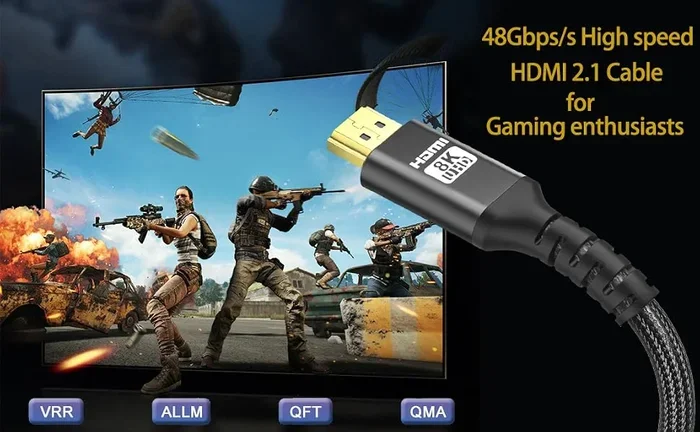
- Ports: Make sure the mini PC has the connections you need — USB-C, HDMI, DisplayPort, and Ethernet.
- Upgradeability: Some models let you add RAM or swap storage. Others are sealed shut. Check before you buy.
- Noise and Thermals: Read reviews to see how the PC handles heat. A quiet, cool-running machine is much more pleasant to use.
Quick Tips for Choosing the Right Mini PC
Still not sure where to start? Here are some quick tips to help you decide:
- Define your primary use case. Gaming, office work, media streaming, and coding all have different requirements.
- Set a firm budget. Mini PCs under $1000 offer the best value, but prices can vary. Stick to your limit to avoid overspending.
- Read real user reviews. Look for feedback on build quality, fan noise, and long-term reliability.
- Compare specs side by side. A quick comparison table can save you from buyer’s remorse.
- Consider future needs. Buying a model with upgrade options gives you more headroom as your demands grow.
Can Mini PCs Really Outperform a Mac Mini?
This is the question everyone wants answered. The truth is, it depends entirely on your workload and expectations.
For general productivity, web browsing, and media consumption, both a Mac Mini and a quality Windows mini PC will serve you well. But here is where things get interesting.
In multi-core benchmarks, many AMD-based mini PCs under $1000 match or exceed the Mac Mini’s performance. For tasks like video rendering, 3D modeling, and compiling code, the extra cores and threads on budget machines can give them an edge. And when it comes to gaming, a mini PC with a dedicated GPU will absolutely outperform the Mac Mini, which relies on integrated graphics.
However, the Mac Mini shines in areas where software optimization matters. macOS is tightly integrated with Apple hardware, so apps run smoothly and efficiently. If your workflow depends on Apple software or you are already in the Apple ecosystem, the Mac Mini remains a strong choice.
The bottom line? A mini PC under $1000 can absolutely outperform a Mac Mini in raw performance and value. But if ecosystem loyalty and software compatibility matter most, Apple’s compact desktop still holds a special place.
For those who want the best of both worlds, you might also explore options like best mini PCs available in Canada or check out affordable all-in-one PCs if you want an even simpler setup with fewer cables.
Final Verdict: Which Compact Desktop Should You Buy?
After reviewing all the options, here is our honest take. If you want the absolute best performance per dollar in 2026, go with a Windows mini PC like the Beelink SER6 Max or Minisforum UM780 XTX. These machines deliver incredible value, powerful specs, and flexibility that the Mac Mini simply cannot match at the same price.
If you are deeply invested in the Apple ecosystem, value macOS, and need software like Final Cut Pro or Xcode, the Mac Mini is still a fantastic choice — just be prepared to pay a premium.
For gamers, the Minisforum HX90G and UM780 XTX stand out as the best mini PCs for gaming under $1000. They offer dedicated graphics cards and processors that handle modern titles with ease.
No matter which direction you choose, the world of compact desktops has never been more exciting. These tiny machines punch well above their weight, and 2026 is shaping up to be one of the best years yet for mini PC buyers.
If you are also interested in building your own system, you might want to explore the best gaming PCs under $1000 for a broader look at affordable desktop options beyond mini PCs.
Conclusion
The best mini PC in 2026 under $1000 can genuinely compete with — and sometimes beat — the Mac Mini. Whether you prioritize performance, value, gaming, or creative work, there is a compact desktop out there that fits your needs. Do your research, compare specs, and pick the machine that aligns with how you actually work and play. A mini PC is no longer a compromise. It is a smart, space-saving, powerful choice for anyone looking to upgrade their setup in 2026.
Frequently Asked Questions
Is a mini PC better than a Mac Mini?
It depends on your needs. A Windows mini PC often offers better value and more raw performance under $1000. The Mac Mini excels in the Apple ecosystem and offers macOS optimization. Choose based on your software needs and budget.
Can a mini PC handle gaming?
Yes, many mini PCs in 2026 come with dedicated GPUs that can handle modern games at decent settings. Models like the Minisforum UM780 XTX and HX90G are excellent choices for gaming on a budget.
Are mini PCs upgradeable?
Some models allow RAM and storage upgrades, while others are sealed units. Always check the specifications before purchasing if upgradeability is important to you.
What is the lifespan of a mini PC?
A quality mini PC can last 5 to 7 years with proper care. Choosing a model with a powerful processor and upgradeable storage helps extend its useful life significantly.
Do mini PCs support multiple monitors?
Most modern mini PCs support dual or even triple monitor setups. Check the available ports — HDMI and DisplayPort outputs are key for multi-display configurations.
Is a mini PC good for work from home?
Absolutely. Mini PCs are perfect for remote work. They are compact, quiet, energy-efficient, and powerful enough to handle video calls, spreadsheets, and multitasking with ease.