8 Gb Ram Hp Laptops
8 GB RAM HP laptops represent the perfect sweet spot for most users today. They offer enough memory for smooth everyday computing, from web browsing and office work to casual media and light multitasking. HP’s wide range ensures a model for every budget and style, from the versatile Pavilion to the sleek Envy and business-focused ProBook. While not for heavy gaming or professional video editing, these laptops provide excellent value, reliability, and performance for students, remote workers, and families. Always check if the RAM is upgradeable for future-proofing.
Key Takeaways
- 8GB is the Modern Sweet Spot: For general use, web browsing, office applications, and streaming, 8GB of RAM provides a smooth, lag-free experience on Windows 11 and Chrome OS, preventing the slowdowns common with 4GB systems.
- HP Offers a Model for Every Need: From the budget-friendly HP Laptop series and versatile Pavilion to the premium Envy and durable business-class ProBook and EliteBook, HP’s lineup with 8GB RAM covers all price points and use cases.
- Performance is a Team Effort: RAM is crucial, but the processor (Intel Core i3/i5 or AMD Ryzen 3/5) and storage type (SSD vs. HDD) are equally important. An 8GB RAM laptop with an SSD and a modern CPU will feel significantly faster than one with an old processor and a hard drive.
- Check Upgradeability Before Buying: Many modern HP laptops solder RAM to the motherboard. If you want the option to upgrade to 16GB later, prioritize models with an accessible RAM slot, often found in some Pavilion, ProBook, and older EliteBook models.
- Ideal for Specific Users: These laptops are perfect for students, business professionals in non-technical roles, casual gamers (cloud gaming or old titles), seniors, and as a reliable second or family computer.
📑 Table of Contents
- Why 8 GB RAM is the Perfect Starting Point for Your Next HP Laptop
- Decoding the HP Lineup: Which Series Has Your Perfect 8GB Match?
- The 8GB Performance Myth: Busting Common Misconceptions
- Your Practical Buying Checklist: Don’t Buy Without These Steps
- Top 5 Current & Recent 8GB RAM HP Laptop Recommendations (Late 2023/Early 2024)
- Future-Proofing Your 8GB Investment: How Long Will It Last?
- Wrapping It Up: Finding Your Perfect HP Match
Why 8 GB RAM is the Perfect Starting Point for Your Next HP Laptop
Let’s have a real talk about buying a laptop. You see specs like “Intel Core i5,” “512GB SSD,” and “8GB RAM” and your eyes glaze over. Which one matters most? If you’re like the vast majority of people shopping for a new computer today, the answer is that 8GB of RAM is the single most important spec you can get for your money without overpaying.
Think of RAM as your laptop’s short-term memory. When you open a program, a browser with ten tabs, or a document, that stuff lives in the RAM. If your RAM is too small, your laptop starts frantically swapping data to the much slower hard drive, and everything comes to a crawl. Four gigabytes (4GB) is officially the new “too little” for Windows 11 and modern web browsers. It’s the minimum, and it shows. Eight gigabytes (8GB) is where magic happens. It’s the comfortable, breathing room that lets you do your actual work without waiting for a spinning wheel of doom.
HP, as one of the world’s largest PC makers, has fully embraced this reality. Their entire 2023-2024 lineup is packed with fantastic 8 GB RAM options across every series. Whether you need a tough machine for the job site, a sleek ultrabook for coffee shops, or a affordable laptop for a student’s backpack, HP has an 8GB model that fits. This article is your complete, no-nonsense guide to navigating that world. We’ll cut through the marketing jargon and help you find the exact right 8 GB RAM HP laptop for your life.
Decoding the HP Lineup: Which Series Has Your Perfect 8GB Match?
HP doesn’t just make “a laptop.” They make families of laptops, each with a distinct personality and target audience. Knowing which family to look in is 80% of the battle. Let’s break down the major HP series where you’ll consistently find capable 8GB RAM configurations.
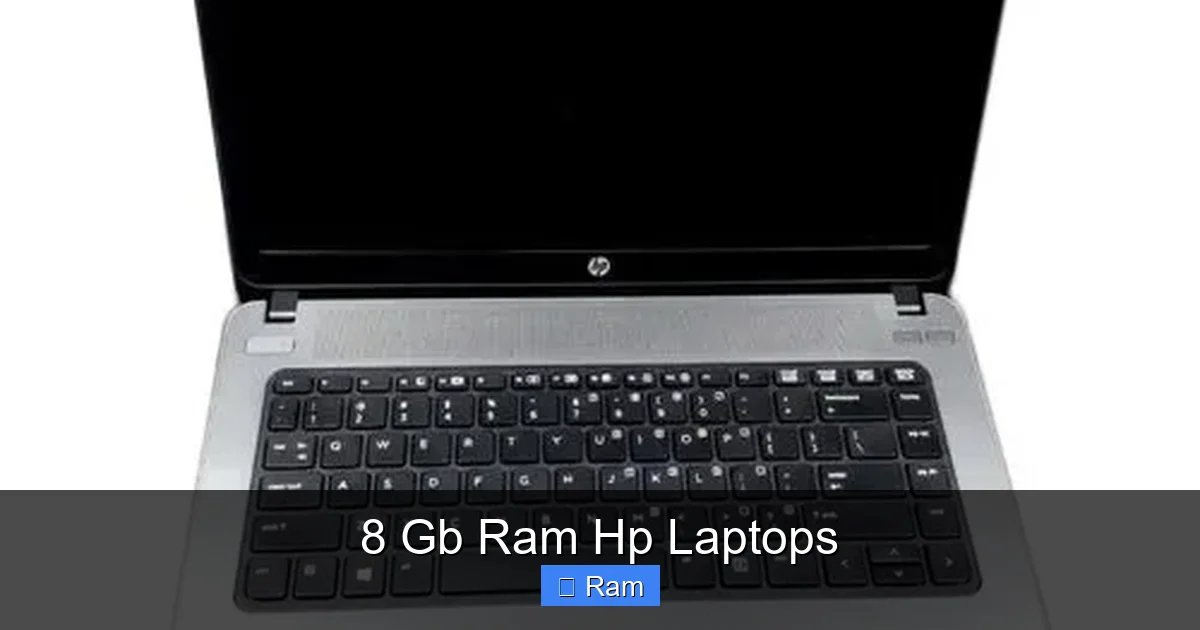
Visual guide about 8 Gb Ram Hp Laptops
Image source: 5.imimg.com
The All-Rounder: HP Pavilion & HP Laptop Series
If you’re not sure where to start, start here. The HP Pavilion is HP’s mass-market champion. It’s the laptop you see in big-box stores and on Amazon’s best-seller lists. Pavilion laptops (like the Pavilion 14/15/16) balance price, performance, and style. They often come with sleek designs, decent displays, and a good port selection. An HP Pavilion with an AMD Ryzen 5 or Intel Core i5 processor, 8GB RAM, and a 512GB SSD is a phenomenal all-purpose machine for under $700. It’s perfect for students, remote workers, and families.
Just below the Pavilion is the simply-named HP Laptop series (e.g., HP Laptop 14, 15). These are the most budget-friendly entry points. You can absolutely find models here with 8GB RAM, but you must scrutinize the other specs. Often, these will pair 8GB with a slower processor or a smaller, eMMC storage drive that feels like an old hard drive. They’re great for absolute basics—web, email, streaming—but if you can stretch your budget slightly to a Pavilion, the experience jump is significant.
The Sleek & Premium Choice: HP Envy & HP Spectre
Want to look good while you work? The HP Envy and HP Spectre lines are where design and power meet. The Envy is the “premium mainstream” line, often featuring all-metal builds, brighter and more colorful displays (sometimes OLED!), and thinner profiles. An HP Envy x360 13 or Envy 15 with 8GB RAM is a stunning 2-in-1 convertible that’s powerful enough for serious work and beautiful enough to turn heads. The Spectre is HP’s flagship, a showpiece of engineering with gem-cut designs and top-tier materials. While Spectre models often start with 16GB, you can find configurations or sale models with 8GB that still offer an incredible experience.
Key Tip: In these premium lines, the RAM is often soldered (not upgradeable). The 8GB configuration is usually a cost-saving option. If you think you might need more than 8GB in 2-3 years (for more demanding software or massive browser sessions), you might want to consider stretching for a 16GB model now, as upgrading later is impossible.
The Workhorse: HP ProBook & EliteBook (Business Class)
For the professional, the student in a demanding program, or anyone who values durability and security features, look to HP’s business lines. The HP ProBook (400/600 series) and HP EliteBook (800/1000 series) are built to MIL-STD durability standards, meaning they can handle more bumps and drops. They feature superior keyboards, extensive security tools (like HP Sure Start), and better service/warranty options.
This is where you’ll find some of the best upgradeable 8GB RAM models. Many ProBook and EliteBook models from the last few generations have a accessible RAM panel on the bottom, with one or two slots. You can buy the base 8GB model today and pop in another 8GB stick tomorrow to get 16GB total for a fraction of the cost of buying it pre-configured. Models like the ProBook 440 G8/G9 or EliteBook 840 G7/G8 are legendary for this reason. They are investments.
The Rugged & Specialized: HP Fortis & ZBook
These are niche but worth mentioning. The HP Fortis line (for education and enterprise) is designed to survive the harshest environments—think school districts, construction sites, or field service. They have spill-resistant keyboards, shock-mounted drives, and reinforced cases. You will find 8GB RAM configs here, built for reliability over raw speed. The HP ZBook is HP’s mobile workstation line for engineers, architects, and video editors. These are overpowered for general use, but you might find a refurbished or sale model with 8GB RAM. Avoid these for general use; you’re paying for professional GPU power you won’t use.
The 8GB Performance Myth: Busting Common Misconceptions
Before we dive into specific buying tips, let’s clear the air. There’s a lot of noise about RAM, so let’s separate fact from fiction for the 8GB user.
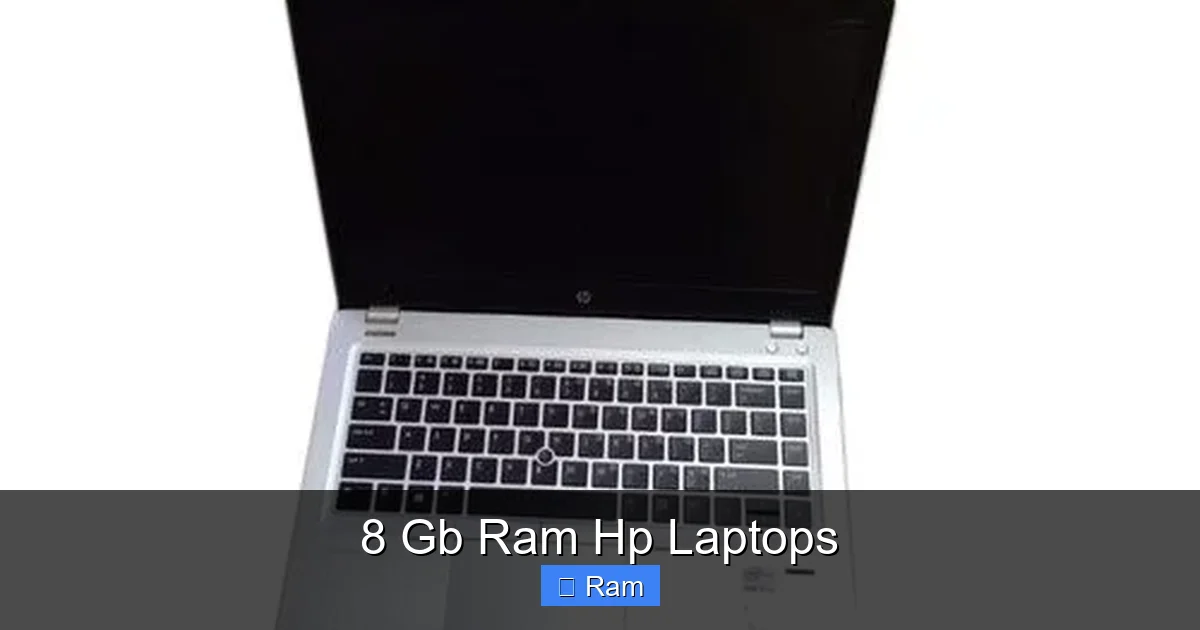
Visual guide about 8 Gb Ram Hp Laptops
Image source: m.media-amazon.com
“8GB is Already Obsolete for Windows 11!”
False. Microsoft’s official minimum for Windows 11 is 4GB, and their recommended is 8GB. For a smooth, multitasking experience with a few Chrome tabs, Spotify, and a Word document open, 8GB is the recommended baseline. It’s not “high-end,” but it is perfectly adequate for the operating system and 90% of what the average user does. You will not feel “obsolete” using an 8GB Windows 11 laptop for daily tasks.
“You Need 16GB for Multitasking”
It depends on your multitasking. If by “multitasking” you mean having 50 Chrome tabs open, three large Excel sheets, Photoshop, and a Zoom call simultaneously, then yes, 16GB is better. But for the vast majority—say, 10-15 browser tabs, a few Office apps, a streaming video, and a messaging app—8GB handles this comfortably. The key is the SSD. With an SSD, if you do occasionally exceed your RAM, the “swap” to the drive is still fast enough that you won’t notice major lag. On a hard drive (HDD), any RAM shortage is catastrophic.
“8GB is Fine for Gaming”
This is a qualified yes. For cloud gaming (GeForce Now, Xbox Cloud Gaming) and esports/older titles (League of Legends, CS:GO, Valorant, games from pre-2020), 8GB is the standard and works great. The bottleneck in these scenarios is almost always the GPU, not the RAM. However, for modern, single-player AAA games (like Cyberpunk 2077, Hogwarts Legacy) at higher settings, 16GB is quickly becoming the new minimum to avoid stutters and loading issues. An 8GB HP laptop with a dedicated GPU (like an NVIDIA GeForce GTX 1650 or RTX 3050) can game, but you may need to lower settings or close background apps to avoid hitting the RAM limit.
Your Practical Buying Checklist: Don’t Buy Without These Steps
You’ve decided an 8GB RAM HP laptop is right for you. Now, don’t just click “buy” on the first one you see. Follow this essential checklist to avoid buyer’s remorse.
Visual guide about 8 Gb Ram Hp Laptops
Image source: cdn1.smartprix.com
1. The CPU & RAM Duo: Look for a Modern Pairing
An 8GB RAM stick is useless if paired with a 5-year-old, low-power processor. For an 8GB laptop to feel snappy, it needs a CPU from the last 3-4 years. For Intel: Look for at least a 10th Gen Core i3 or, much better, a 11th/12th/13th Gen Core i5. For AMD: Look for a Ryzen 3 5000 series or, ideally, a Ryzen 5 5000/6000/7000 series. A Ryzen 5 5500U with 8GB RAM will destroy an old Core i7 with 8GB RAM. The generation and series matter more than the core iX number alone.
2. The Non-Negotiable: Solid-State Drive (SSD)
This is the single most important performance upgrade after RAM. Do not buy a new laptop with a traditional Hard Disk Drive (HDD). The difference between an SSD and an HDD is night and day. An SSD makes your laptop boot in seconds, open apps instantly, and feel responsive overall. A 256GB SSD is the absolute minimum; 512GB is the sweet spot for most users. Some budget HPs still pair 8GB RAM with a small 128GB SSD or even a 1TB HDD—avoid the HDD at all costs. The storage type is more important than the raw capacity.
3. Display & Build Quality: You Look at This All Day
Don’t get a beautiful, powerful laptop with a terrible screen. For general use, aim for at least a Full HD (1920×1080) resolution. Avoid any “HD” (1366×768) screens; they look pixelated and can only fit less content. For brightness, look for 250 nits or more. IPS panels offer better viewing angles than cheaper TN panels. For build, if you can, check reviews for flex on the keyboard deck and lid. Business-class ProBooks and EliteBooks are typically superior here.
4. The Upgrade Question: Can You Add More RAM Later?
This is a critical check. Go to the HP support website, find the exact model number (e.g., HP Pavilion 15-eg0023nr), and look at the “Specifications” or “Product Specifications” sheet. Find the section on “Memory.” It will say something like “2 SODIMM slots” (good, you can upgrade) or “Memory soldered” (bad, you cannot). It might also say “8GB, upgradeable to 16GB.” This tells you the maximum. If you plan to keep this laptop for 4+ years, a model with an empty slot for future expansion is a smart buy.
5. Ports & Connectivity: Match Your Peripherals
Count your USB devices. Do you need USB-A for your mouse and flash drive? Do you need an HDMI port for your external monitor? Many modern ultrabooks and convertibles are ditching these for USB-C/Thunderbolt. An 8GB HP Envy might have 2 USB-C and 1 USB-A, while a ProBook will have 2 USB-A, HDMI, and an Ethernet port. Make sure the laptop’s port selection matches what you plug in daily. You don’t want to live on a dongle.
Top 5 Current & Recent 8GB RAM HP Laptop Recommendations (Late 2023/Early 2024)
To give you a concrete starting point, here are five excellent, widely available HP laptop series that frequently ship with 8GB RAM and represent great value in their category. Prices and exact specs vary, so use these as models to search for.
1. HP Pavilion Aero 13 (or Pavilion 14)
This is arguably the best bang-for-buck 8GB laptop HP makes right now. It’s an ultraportable (starting around 2.5 lbs) with a beautiful 13.3” or 14” display, all-metal build, and very good battery life. It typically comes with AMD Ryzen 5/7 7000 series processors, 8GB of soldered RAM (so no upgrade), and a fast SSD. It’s perfect for students and mobile professionals who prioritize weight and screen quality. Look for configurations with 512GB SSDs.
2. HP ProBook 440 G9 (or G8)
The ultimate practical business laptop. This 14” workhorse is MIL-STD tested, has a fantastic keyboard, and crucially, usually has upgradeable RAM. A common config is an Intel Core i5-1235U, 8GB RAM (in one slot, with one empty), 512GB SSD, and a 400-nit Full HD display. It has all the ports you need. It’s not the thinnest or lightest, but it’s a durable, no-nonsense tool that will last for years and can be upgraded. Ideal for writers, analysts, and field workers.
3. HP Envy x360 13/15
If you want a 2-in-1 touchscreen laptop that doesn’t compromise on power, the Envy x360 is it. The 13” version is a great size, and the 15” offers more screen real estate. Configs with Ryzen 5/7 or Intel Core i5/i7, 8GB RAM, and SSDs are common. The 360-degree hinge lets you use it as a tablet, tent, or stand. The build quality is excellent for the price. Great for art students, presenters, and anyone who likes to consume media in different modes.
4. HP Laptop 15s-fq2xxx (or similar)
This represents the best value in the budget category. You can often find these on sale for under $500. They come with AMD Ryzen 5 5000 series or newer, 8GB RAM, and a 512GB SSD. The display is usually the weak point (average brightness/color), and the plastic build is basic. But for core computing—documents, web, Zoom—this is a steal. Just triple-check the model number to ensure it has an SSD and not an eMMC drive.
5. HP EliteBook 840 G8/G9 (Refurbished)
Want near-perfect build quality, a superb keyboard, and enterprise durability without the new price tag? The market for refurbished business laptops is booming. You can find excellent-condition HP EliteBook 840 G8 or G9 models with 8GB RAM (often upgradeable) and 512GB SSDs for prices comparable to new budget laptops. These are tanks that were built for corporate IT departments. They offer a level of refinement and longevity that consumer laptops can’t match. Check reputable refurbishers like eBay sellers with high ratings or dedicated business refurbishers.
Future-Proofing Your 8GB Investment: How Long Will It Last?
This is the big question: “If I buy an 8GB laptop today, will it feel slow in two years?” The answer is: it depends almost entirely on whether you can upgrade the RAM.
Software and web pages are constantly getting more memory-hungry. What runs perfectly on 8GB today might feel a little tighter in 2026. If you buy a laptop with soldered, non-upgradeable RAM (like the Pavilion Aero, most Envys, Spectres), you are locked into 8GB for the life of the machine. For a user who keeps dozens of browser tabs open and runs a few apps, this could become a limitation in 3-4 years. You’ll have to be more disciplined about closing tabs and apps.
If you buy a laptop with upgradeable RAM (like most ProBooks, EliteBooks, and some Pavilion models), your future is bright. Buy the base 8GB model to save money. In two years, when you notice it slowing down, spend $30 on a compatible 8GB RAM stick and install it yourself (it’s usually as easy as unscrewing a panel). Suddenly, you have a 16GB laptop for a total cost that’s still less than buying a 16GB model new. This is the single smartest way to buy a laptop for the long term.
Also, consider your storage. An SSD will not become obsolete. A 512GB or 1TB SSD you buy today will be just as fast in five years. So, investing in a good SSD now pays dividends forever.
Wrapping It Up: Finding Your Perfect HP Match
So, what’s the final verdict? An 8 GB RAM HP laptop is, for most people, the ideal purchase in today’s market. It strikes the crucial balance between cost and capability. You’re not overpaying for RAM you’ll never use, but you’re also avoiding the frustration of a constantly sluggish 4GB system.
Your path forward is simple:
1. Define your need: Student? Business traveler? Family shared computer? Casual gamer?
2. Pick your HP family: Pavilion for all-around value, Envy for style, ProBook for upgradeability/durability.
3. Follow the checklist: Ensure it’s paired with a modern CPU (Ryzen 5/Intel Core i5 11th Gen+) and, absolutely, an SSD.
4. Check upgradeability: If you want longevity, find a model with an accessible RAM slot.
5. Read specific reviews: Once you narrow it to a model number (e.g., “HP Pavilion 15-eg0023nr”), search for that exact model’s reviews to check screen quality, keyboard feel, and real-world battery life.
HP’s breadth is its strength. There is almost certainly an 8GB RAM configuration in their vast catalog that fits your budget, handles your tasks, and will make you happy for years. Don’t overthink it. Get the 8GB, get the SSD, and get to work (or play) without the constant annoyance of a slow computer. You’ve earned that peace of mind.
Frequently Asked Questions
Is 8GB of RAM enough for a student in 2024?
Yes, absolutely. For typical student work—research with dozens of browser tabs, writing papers in Word/Google Docs, Zoom lectures, and streaming media—8GB is the sweet spot. It allows for comfortable multitasking without the slowdowns of 4GB. Only students in specialized fields like engineering (with heavy simulation software) or video production might need to consider 16GB.
Can I upgrade the RAM in an 8GB HP laptop myself?
It depends entirely on the specific model. Many HP business laptops (ProBook, EliteBook) and some consumer models have an accessible RAM panel, allowing you to add a second stick. However, many modern thin-and-light laptops, including most HP Envy and Spectre models, have the RAM soldered directly to the motherboard, making it impossible to upgrade. Always check the official specifications or teardown videos for your exact model number before buying if upgradeability is a priority.
Will an 8GB RAM HP laptop be good for light gaming?
Yes, for the right games. An 8GB laptop with a dedicated GPU (like an NVIDIA GeForce GTX 1650 or RTX 3050) is perfectly capable for esports titles (Valorant, CS2, League of Legends) and older AAA games. It can also handle cloud gaming services (Xbox Cloud, GeForce Now) seamlessly. However, for the latest, most demanding single-player games at higher settings, 16GB is becoming the new standard to avoid stutters, so manage your expectations and settings accordingly.
What’s the difference between an HP laptop with 8GB RAM and one with 16GB RAM in real-world use?
For everyday tasks like browsing, office work, and streaming, you will likely notice no difference between a well-configured 8GB and 16GB laptop. The difference becomes apparent only when you push the system: having 50+ browser tabs open, running a virtual machine, editing large photos, or having many heavy applications open simultaneously. The 16GB system will handle these extreme multitasking scenarios without slowing down, while the 8GB system may start to feel sluggish as it uses the slower SSD as “virtual memory.”
Should I choose an HP laptop with 8GB RAM and an HDD or one with 4GB RAM and an SSD?
Always choose the 8GB RAM with an SSD. This is not a close comparison. An SSD is the single greatest performance upgrade you can make to a computer. A system with 4GB RAM and an SSD will still be crippled by constant slowdowns due to lack of memory. An 8GB RAM system with an SSD will feel snappy and responsive for 95% of users. The SSD’s speed masks minor RAM shortages better than extra RAM can compensate for a slow hard drive. Prioritize the SSD first, then the RAM.
How long can I expect an 8GB RAM HP laptop to remain usable?
With a modern CPU and an SSD, an 8GB RAM laptop will remain perfectly usable for basic to medium tasks for 4-5 years. The limiting factor will be the non-upgradeable RAM. As web browsers and applications continue to use more memory, you may need to be more proactive about closing unused tabs and apps in years 3-5. If the laptop has upgradeable RAM, you can effectively extend its useful life to 6-7 years by adding another 8GB stick when needed. The physical build quality of HP’s business-class models (ProBook, EliteBook) also contributes to a longer usable lifespan.