How Much Ram Is Good for a Laptop
Choosing the right amount of RAM can make or break your laptop experience. For most users, 8 GB is the sweet spot, while power users and gamers should aim for 16 GB or more. This guide breaks down the options, explains why they matter, and helps you pick the perfect memory size for your needs.
Key Takeaways
- 8 GB is enough for everyday tasks: web browsing, office apps, and media consumption run smoothly with 8 GB.
- 16 GB is the sweet spot for creators and gamers: photo/video editing, 3D work, and modern games benefit from the extra headroom.
- 32 GB+ future‑proofs high‑end workstations: heavy multitasking, large datasets, and virtual machines run best with 32 GB or more.
- Check your OS and processor: 64‑bit OSes and recent CPUs can fully utilize higher RAM capacities.
- Soldered vs. upgradable RAM: know whether your laptop lets you add memory later.
- Speed matters too: DDR4‑3200 or DDR5‑5600 can boost performance beyond capacity alone.
- Balance RAM with SSD and CPU: a fast SSD and a modern processor are equally important for overall speed.
📑 Table of Contents
Introduction: Why RAM Still Matters in 2024
When you buy a laptop, the first specs you see are usually the processor, storage type, and screen size. RAM often sits in the background, but it’s the memory that decides how many things your computer can juggle at once. Think of RAM as a desk’s workspace: the larger the desk, the more papers you can spread out without shuffling.
In 2024, operating systems are more demanding, browsers are memory‑hungry, and apps like Photoshop, VS Code, and modern games use a lot of RAM. Picking the right amount now means you won’t need to replace your laptop in two years because it feels sluggish. Let’s walk through the numbers, the use‑cases, and the little details that make a big difference.
1. Understanding RAM Basics
What RAM Actually Does
RAM (Random‑Access Memory) stores data that your CPU needs right now. When you open a program, its files are copied from the SSD to RAM so the processor can reach them instantly. Once you close the program, the data disappears.
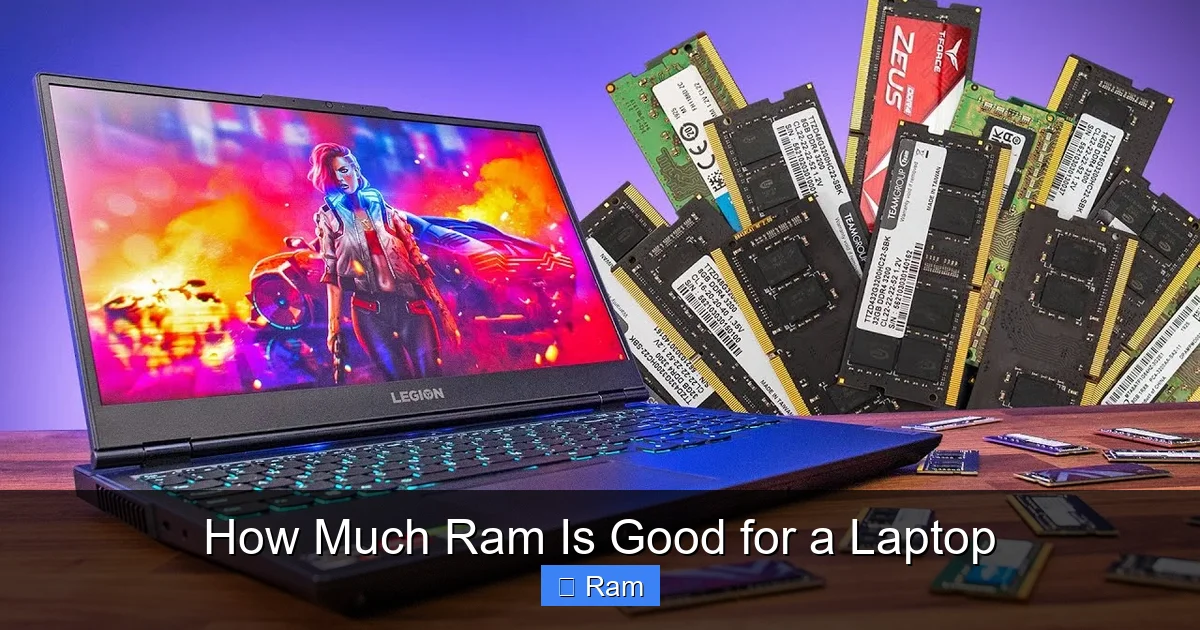
Visual guide about How Much Ram Is Good for a Laptop
Image source: robots.net
Types of RAM: DDR4 vs. DDR5
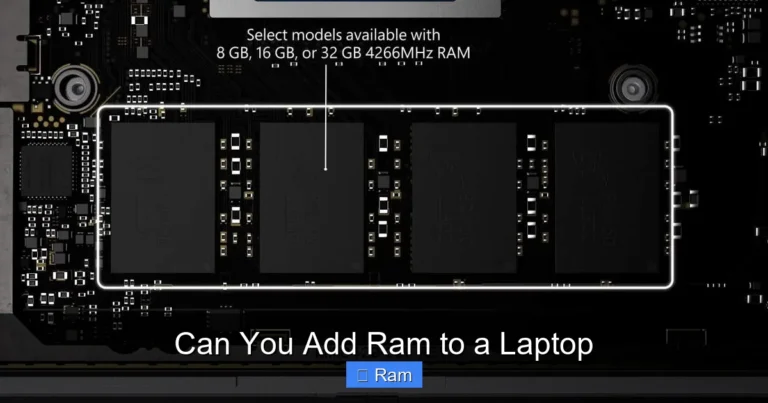
Most laptops still use DDR4, which ranges from 2133 MHz to 3200 MHz. Newer, high‑end models have switched to DDR5, offering speeds from 4800 MHz up to 5600 MHz. Faster RAM can shave off a few milliseconds in data transfer, which adds up in heavy workloads.
Soldered vs. Upgradable Modules
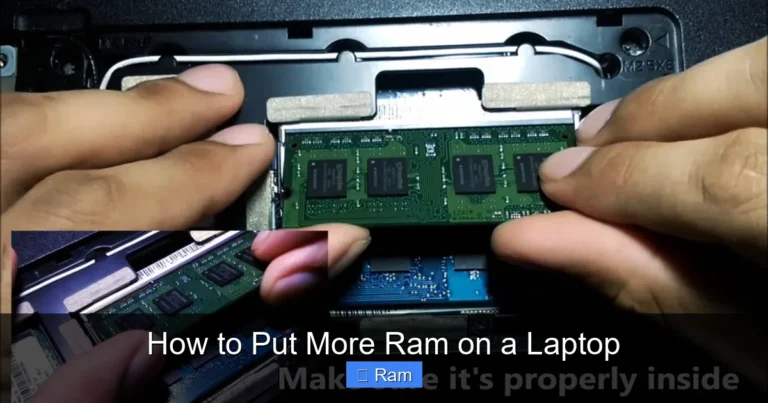
Some ultrabooks have RAM soldered to the motherboard. This saves space and weight but means you can’t add more later. Other laptops have one or two DIMM slots, allowing you to upgrade from 8 GB to 16 GB or 32 GB down the line.
2. How Much RAM Do Different Users Need?
Everyday Users (Web Browsing, Office, Streaming)
For email, Word, Excel, YouTube, and a few browser tabs, 8 GB is more than enough. Modern browsers can eat 1‑2 GB per tab, but 8 GB gives you a comfortable cushion.
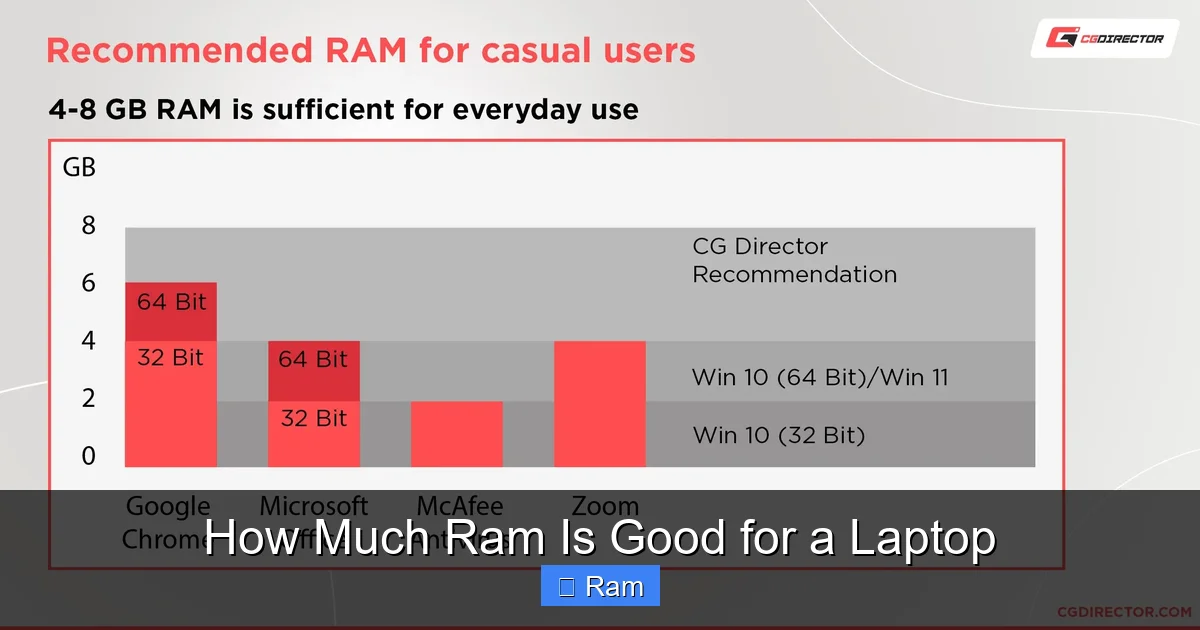
Visual guide about How Much Ram Is Good for a Laptop
Image source: cgdirector.com
Students and Remote Workers
If you run Zoom, a couple of research papers, and maybe a light photo editor, 8 GB still works, but 12 GB (if the laptop offers it) adds a safety net for multitasking.
Creative Professionals (Photo, Video, 3D)
Adobe Photoshop, Lightroom, Premiere Pro, and 3D software like Blender benefit from 16 GB. Video editing especially uses a lot of RAM for preview rendering and caching.
Gamers
Most AAA games in 2024 recommend 16 GB for optimal performance, especially when you pair them with high‑resolution textures. Some titles still run on 8 GB, but you may see frame drops or longer load times.
Developers and Data Scientists
Running virtual machines, Docker containers, or large datasets can quickly eat memory. Aim for 32 GB if you regularly spin up multiple VMs or work with big data sets.
Future‑Proofing
Software trends point toward higher memory usage. If your budget allows, buying a laptop with 16 GB now can save you an upgrade later, especially on models with upgradable slots.
3. Balancing RAM with Other Components
CPU Compatibility
A powerful CPU like an Intel Core i7‑13700H or AMD Ryzen 7 7840HS can handle 32 GB or more, but pairing it with a weak processor wastes the extra memory. Check the laptop’s spec sheet to see the maximum supported RAM.

Visual guide about How Much Ram Is Good for a Laptop
Image source: windowsdigitals.com
SSD Speed Matters Too
Even with a lot of RAM, a slow HDD will bottleneck performance. An NVMe SSD (PCIe 3.0 or 4.0) ensures that data not in RAM loads quickly, keeping the system responsive.
Thermal Design and Power
More RAM modules can increase heat and power draw slightly. In thin ultrabooks, manufacturers may limit RAM to 16 GB to keep temperatures low.
4. Practical Tips for Choosing the Right RAM
Check the Laptop’s Upgrade Path
- Look for a “User‑Upgradeable” badge on the product page.
- Read the manual to see how many slots are free.
- If RAM is soldered, treat the listed capacity as final.
Match RAM Speed with the CPU
For DDR4, aim for 3200 MHz; for DDR5, go for 4800 MHz or higher. The laptop’s BIOS will usually default to the highest supported speed.
Consider Dual‑Channel Configuration
Two 8 GB sticks give better bandwidth than a single 16 GB stick. When buying a laptop, prefer models with two identical modules for dual‑channel performance.
Plan for Your Most Demanding Task
Make a list of the heaviest apps you’ll run. If video editing tops the list, 16 GB is the minimum. If you’ll also run virtual machines, bump to 32 GB.
Don’t Forget the Operating System
Windows 11 64‑bit uses about 2 GB of RAM at idle. macOS is similar. Subtract this from your total when estimating usable memory.
5. Real‑World Scenarios
Scenario A: The Budget Student
Anna studies liberal arts and uses Google Docs, a web browser, and Netflix. She buys a 13‑inch laptop with an Intel i5, 8 GB RAM, and a 512 GB SSD. She never feels slowed down because her workload stays well under the memory limit.
Scenario B: The Freelance Designer
Mark works with Photoshop and Premiere. He needs smooth timeline scrubbing and quick export. He opts for a 15‑inch laptop with an AMD Ryzen 7, 16 GB DDR5‑5600, and a 1 TB NVMe SSD. The extra RAM lets him edit 4K footage without stutter.
Scenario C: The Data Scientist
Lena runs Jupyter notebooks on large CSV files and spins up Docker containers. She chooses a workstation‑class laptop with an Intel i9, 32 GB DDR5, and 2 TB SSD. The high RAM capacity prevents swapping to disk, saving hours of compute time.
Conclusion: Find the Sweet Spot for Your Needs
There’s no one‑size‑fits‑all answer, but the guidelines are clear: 8 GB for light use, 16 GB for creators and gamers, and 32 GB+ for power users. Always check whether the laptop lets you upgrade later, and pair the RAM with a fast SSD and a modern CPU for the best overall experience. By matching RAM to your real‑world tasks, you’ll get a laptop that feels fast today and stays relevant tomorrow.
Frequently Asked Questions
What is the minimum RAM required for Windows 11?
Windows 11 requires at least 4 GB of RAM, but for a comfortable experience you should aim for 8 GB.
Can I upgrade the RAM in a MacBook Air?
Most recent MacBook Air models have soldered RAM, so you cannot upgrade after purchase. Choose the right capacity at the time of buying.
Is DDR5 worth the extra cost over DDR4?
DDR5 offers higher speeds and better power efficiency, which can improve performance in demanding tasks. However, for everyday use, DDR4 3200 MHz is still very capable.
How does RAM affect gaming performance?
Games use RAM for textures, AI, and world data. 16 GB is recommended for modern AAA titles to avoid frame drops and long load times.
Will 8 GB of RAM be enough for video editing?
For 1080p editing, 8 GB can work, but 16 GB provides smoother playback and faster rendering, especially with 4K footage.
Does having more RAM increase battery life?
More RAM can consume slightly more power, but the impact is minimal. A faster SSD and efficient CPU have a greater effect on battery life.


One Comment