Nvme M.2 Ssd 1tb Price
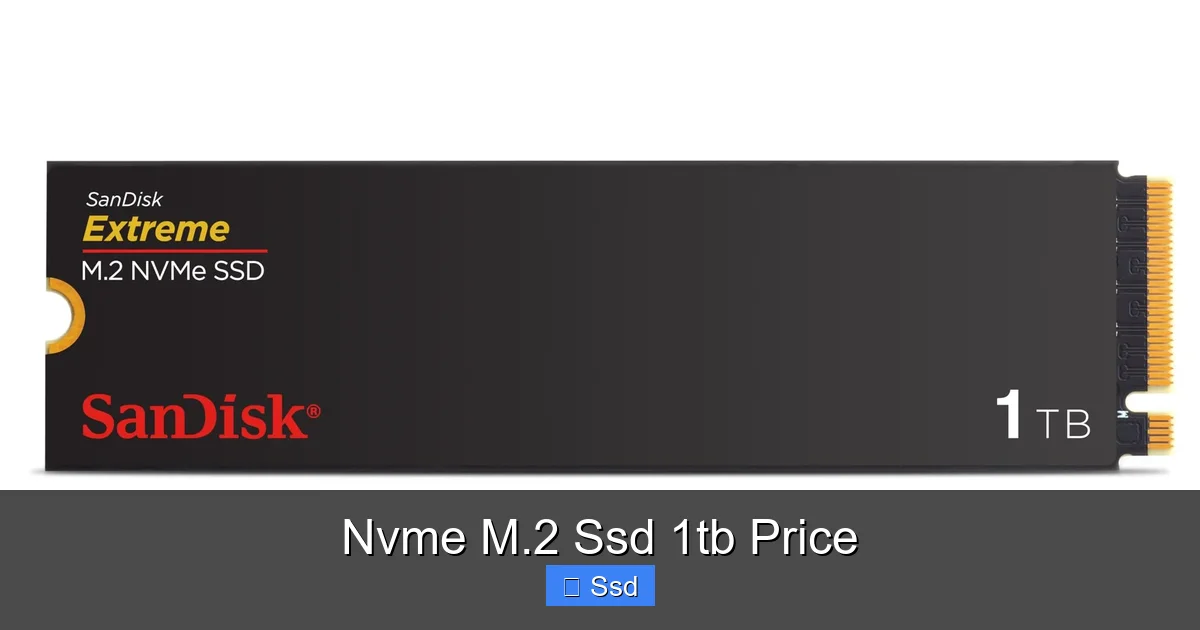
Upgrading to a 1TB NVMe M.2 SSD is one of the best performance boosts you can give a modern PC or laptop, but prices vary wildly. This guide breaks down exactly what you’re paying for, from PCIe generations to NAND types. We’ll show you the current price landscape, highlight the best value models, and give you the practical knowledge to choose the right drive for your budget and needs, ensuring you get maximum speed without overspending.
Key Takeaways
- Price is dictated by more than just capacity: The NVMe M.2 SSD 1TB price depends on PCIe generation (3.0, 4.0, 5.0), NAND type (QLC, TLC), and DRAM cache presence.
- PCIe 4.0 is the current sweet spot: For most users, a PCIe 4.0 drive offers the best balance of performance and value, with prices having stabilized significantly.
- QLC NAND drives are the budget champions: They offer massive 1TB capacity for the lowest price but have slower sustained write speeds and lower longevity under heavy workloads.
- Check your motherboard’s compatibility first: An M.2 slot is not enough; you must confirm it supports the PCIe generation (and keying) of the SSD you plan to buy.
- The “best” price isn’t always the cheapest: Investing a little more in a drive with a better controller, DRAM cache, or higher-end NAND (like TLC) pays off in consistent performance and endurance.
- Look for bundle deals and sales: The NVMe M.2 SSD 1TB price can drop dramatically during holiday sales or when bundled with motherboards, games, or software.
- Future-proofing with PCIe 5.0 is niche: While fast, PCIe 5.0 SSDs are expensive, run hot, and require compatible motherboards, making them overkill for general use and gaming today.
📑 Table of Contents
- Understanding the NVMe M.2 SSD 1TB Price Puzzle
- The Current 1TB NVMe M.2 SSD Price Landscape (2024)
- What Truly Drives the Price? Deconstructing the Specs
- How to Choose the Right Drive for YOUR Budget
- Where to Buy & Smart Shopping Tips
- Installation: The Final Step
- Conclusion: Finding Your Price-Performance Sweet Spot
Understanding the NVMe M.2 SSD 1TB Price Puzzle
You’re in the market for a storage upgrade. Your goal is clear: a fast, reliable 1TB drive. You type “NVMe M.2 SSD 1TB price” into your search bar and are immediately hit with a wall of options, from $50 to $300. Why such a huge range? The sticker price isn’t just for 1,000 gigabytes of space. It’s a complex equation of technology, performance, and market forces. Let’s crack that code together.
Think of an NVMe M.2 SSD as a high-speed data pipeline directly into your computer’s brain (the CPU). The “NVMe” is the super-efficient communication protocol, and “M.2” is the slender, gumstick-shaped form factor that plugs into a dedicated slot on your motherboard. The “1TB” is the capacity. But what creates the price spectrum? It comes down to three core pillars: the PCIe generation (the highway’s lane count and speed limit), the NAND flash memory type (the quality of the storage cells), and the controller & cache (the traffic controller and short-term memory).
The PCIe Generation: Your Speed Highway
The single biggest factor affecting the NVMe M.2 SSD 1TB price is the PCIe generation it uses. This is the interface standard that determines the theoretical maximum speed.
- PCIe 3.0: The veteran. Maxes out around 3,500 MB/s read. These are now the budget champions. You’ll find excellent 1TB PCIe 3.0 drives for $50-$70. For general computing, web browsing, and even many games, the difference between PCIe 3.0 and 4.0 is often imperceptible in real-world use.
- PCIe 4.0: The mainstream king. Doubles the bandwidth to ~7,000 MB/s read. This is where the market’s focus lies. Prices for a quality 1TB PCIe 4.0 drive typically range from $70 to $120. This range covers everything from great value models to performance leaders.
- PCIe 5.0: The bleeding edge. Theoretically hits 14,000 MB/s+, but real-world drives are around 10,000-12,000 MB/s. Expect to pay $180-$250+ for 1TB. They require a compatible motherboard (AMD Ryzen 7000/Intel 13th/14th Gen+) and robust cooling, often included as a bulky heatsink. For 99% of users, this speed is overkill and the NVMe M.2 SSD 1TB price is simply not justified yet.
NAND Type: QLC vs. TLC vs. MLC (The Storage Cells)
NAND is the actual memory chip where your data lives. The letters (QLC, TLC, MLC) refer to how many bits of data each cell can store. More bits = more density = lower cost per gigabyte, but with trade-offs in speed and endurance.
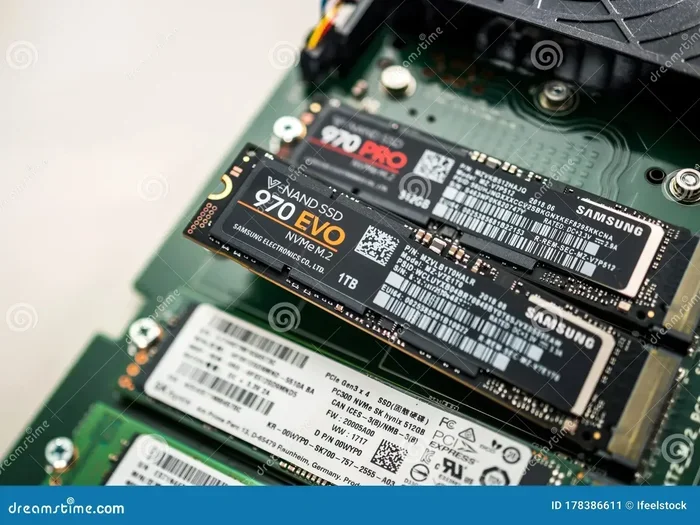
- QLC (Quad-Level Cell): 4 bits per cell. The cheapest to manufacture, driving down the NVMe M.2 SSD 1TB price dramatically. Perfect for a primary drive if you’re on a tight budget and mostly read data (OS, programs, games). Its weakness? Very slow sustained write speeds once its small SLC cache is exhausted. Avoid for professional video editing or heavy database work. Examples: Crucial P3, Samsung 980 (non-Pro).
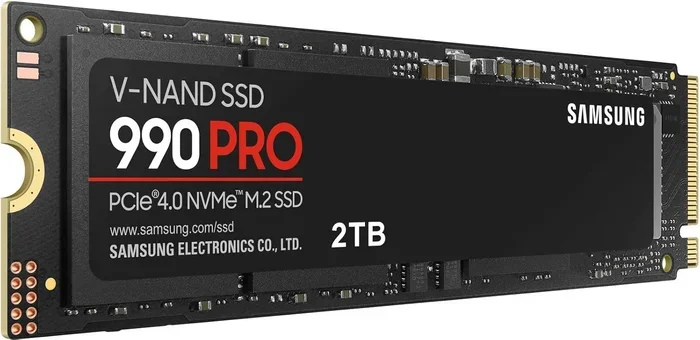
- TLC (Triple-Level Cell): 3 bits per cell. The sweet spot for performance and endurance. Most “prosumer” and high-performance drives use TLC. Sustained write speeds are much better than QLC. This is what you want for a primary drive if you do any kind of content creation or just want a snappy, long-lasting system. Examples: Samsung 980 Pro, WD Black SN850X, Seagate FireCuda 530.
- MLC (Multi-Level Cell): 2 bits per cell. The enthusiast/professional grade. Faster and more durable than TLC but also much more expensive and rare in the consumer market today. You won’t find many new 1TB MLC drives, and the NVMe M.2 SSD 1TB price reflects their niche status.
The Current 1TB NVMe M.2 SSD Price Landscape (2024)
Now, let’s talk real numbers. Prices fluctuate daily with sales, but here is a reliable breakdown of what you should expect to pay for a new, from a major retailer 1TB NVMe M.2 SSD in mid-2024. Remember, these are general tiers, not specific model recommendations.
Budget Tier: The $50-$75 Range
This is where you’ll find PCIe 3.0 and entry-level PCIe 4.0 QLC drives. The NVMe M.2 SSD 1TB price here is all about capacity per dollar.
- What you get: Drives like the Crucial P3 (PCIe 4.0 QLC), WD Blue SN570 (PCIe 3.0 TLC), or older SK Hynix Gold P31 (PCIe 3.0 TLC, often on sale).
- Performance: Sequential reads around 3,500-5,000 MB/s. Random read/write speeds (IOPS) are more modest. QLC models will throttle heavily during large file transfers.
- Best for: Upgrading an old laptop or desktop from a hard drive or SATA SSD. Secondary storage drives. Builds on a very strict budget where capacity is king.
- Watch out for: Some drives in this range may have no DRAM cache, relying on slower system memory (HMB – Host Memory Buffer). This can impact performance in specific workloads.
Mainstream/Performance Tier: The $75-$120 Range
This is the highly competitive and recommended zone for most gamers and power users. Here, the NVMe M.2 SSD 1TB price buys you a excellent PCIe 4.0 TLC drive with a proper DRAM cache.
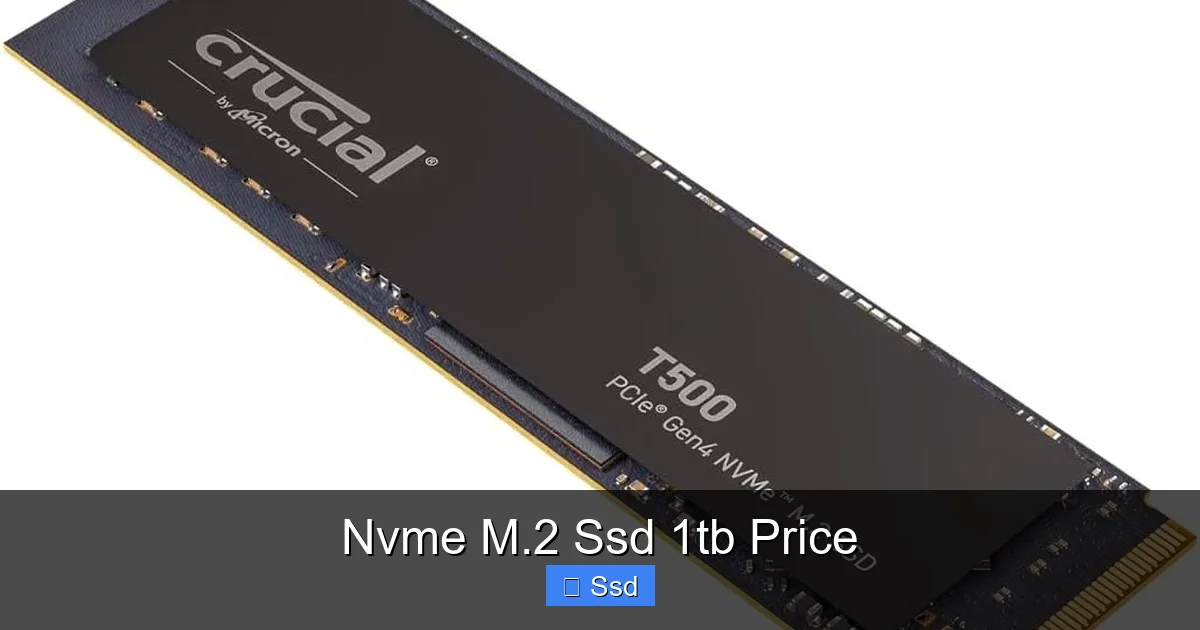
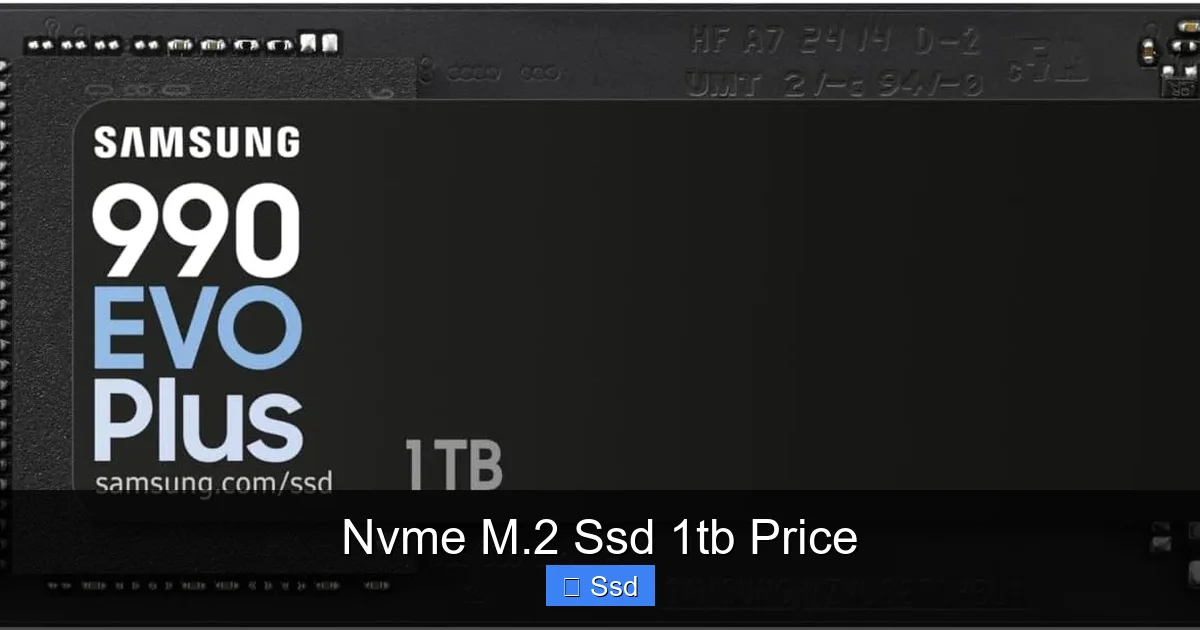
- What you get: The cream of the crop: Samsung 980 Pro, WD Black SN850X, Seagate FireCuda 530, Solidigm P44 Pro, Crucial T500. These are top-tier drives that saturate the PCIe 4.0 bus.
- Performance: Sequential reads/writes of 7,000 MB/s+. Fantastic 4K random performance for faster game/OS loading. Excellent sustained write performance due to TLC NAND and large SLC caches.
- Best for: Primary drive for gaming PCs, workstations, content creation (photo/video editing), and anyone who wants a no-compromise, fast system. This is the “future-proof” sweet spot for the next 3-5 years.
- Value Tip: Prices in this tier often drop into the $80-$90 range during big sales (Black Friday, Prime Day). It’s worth waiting for a deal on a model from this list.
Enthusiast/PCIe 5.0 Tier: The $180-$300+ Range
Welcome to the cutting edge, where the NVMe M.2 SSD 1TB price is high for reasons of new technology, not necessarily practical need.
- What you get: PCIe 5.0 drives like the Crucial T705, WD Black SN850X (PCIe 5.0 version), or TeamGroup MP44L. They come with massive, necessary heatsinks.
- Performance: Sequential reads can exceed 10,000 MB/s. However, real-world game load time differences over a fast PCIe 4.0 drive are often measured in milliseconds—undetectable to the human eye.
- Best for: Extreme professional workloads (massive 8K+ video editing, scientific data sets), tech enthusiasts building the absolute latest platform, or someone who simply wants the fastest number on a spec sheet.
- Considerations: The high price, heat output (requiring good case airflow), and need for a compatible, expensive motherboard make these poor value propositions for everyone else.
What Truly Drives the Price? Deconstructing the Specs
Beyond the big three (PCIe Gen, NAND, Price Tier), several smaller specs explain why two 1TB PCIe 4.0 drives might have a $30 gap. Understanding these helps you spot good value.
Visual guide about Nvme M.2 Ssd 1tb Price
Image source: m.media-amazon.com
The Controller: The Drive’s Brain
This is the main processor that handles all data management. A newer, more efficient controller (like Phison’s E18 or Silicon Motion’s SM2264) allows for higher speeds, better power efficiency, and advanced features. Drives using the latest top-tier controllers will command a premium.
DRAM Cache: The Speed Buffer
DRAM (Dynamic Random-Access Memory) is a small, fast memory chip on the SSD that stores the file allocation table (the map of where everything is stored). Drives with a dedicated DRAM cache are consistently faster, especially in mixed read/write scenarios and when dealing with many small files. Some budget drives omit this to save cost, using your system’s RAM instead (HMB). While HMB is a decent stopgap, a physical DRAM chip is always preferable for sustained performance.
Endurance (TBW): How Long It Will Last
TBW (Terabytes Written) is the total amount of data you can write to the drive before the cells begin to wear out. A higher TBW rating indicates better NAND quality and/or more over-provisioning. For a 1TB drive:
- Budget QLC: 200-400 TBW
- Mainstream TLC: 600-1,200 TBW
- High-End TLC: 1,200-2,400 TBW
For the average user writing 20-40GB per day, even a 200 TBW drive would last over a decade. But if you’re doing heavy video editing or running a database, aim for the higher TBW ratings, which often come with a slightly higher NVMe M.2 SSD 1TB price.
Warranty and Support
Most reputable brands offer a 5-year warranty on their mainstream and high-end drives, provided you don’t exceed the TBW limit. This is a key indicator of the manufacturer’s confidence in their product. A 3-year warranty on a cheap drive is a red flag. Always check the warranty period and TBW before purchasing.
How to Choose the Right Drive for YOUR Budget
Armed with this knowledge, let’s match a drive to your specific needs and the right NVMe M.2 SSD 1TB price point.
Visual guide about Nvme M.2 Ssd 1tb Price
Image source: m.media-amazon.com
Scenario 1: The Casual User / Old PC Upgrade
You’re replacing a spinning hard drive or an ancient SATA SSD. You want Windows to boot fast and programs to open quickly. You don’t play graphic-intensive games or edit videos.
- Your Target Price: $55-$75
- Recommendation: A PCIe 3.0 TLC drive (like the Crucial MX500 in M.2 form, or WD Blue SN570) or a PCIe 4.0 QLC drive (Crucial P3). The performance difference in daily tasks will be negligible. Spend the savings on more RAM or a better GPU.
Scenario 2: The Mainstream Gamer
You have a modern gaming PC (last 4-5 years). You want fast game load times, quick Windows boot, and a snappy overall experience. You might stream or edit occasional clips.
- Your Target Price: $85-$110
- Recommendation: This is the sweet spot. Buy a top-tier PCIe 4.0 TLC drive with DRAM (WD Black SN850X, Samsung 980 Pro, Solidigm P44 Pro). Watch for sales to hit the lower end of this range. This NVMe M.2 SSD 1TB price delivers 99% of the performance you’ll ever need.
Scenario 3: The Professional Creator / Power User
You work with large project files: 4K/8K video, massive Photoshop projects, virtual machines, or large datasets. Sustained write speed and high endurance are critical.
- Your Target Price: $100-$150+
- Recommendation: Stick with the highest-end PCIe 4.0 TLC drives (Samsung 980 Pro, WD Black SN850X). Their superior sustained performance and high TBW ratings are worth the premium. Do not cheap out with a QLC drive here; you’ll regret it during a long render or export.
Scenario 4: The Early Adopter / Platform Builder
You’re building a new PC with an Intel 13th/14th Gen or AMD Ryzen 7000 series CPU and a motherboard that has a PCIe 5.0 M.2 slot. You want the absolute latest tech and have the budget for it.
- Your Target Price: $200-$300+
- Recommendation: A PCIe 5.0 drive like the Crucial T705 or WD Black SN850X (PCIe 5.0). Be prepared to manage the heat with the included heatsink and ensure your case has good airflow. Understand the real-world benefits are minimal for now, but you are buying for the future.
Where to Buy & Smart Shopping Tips
Finding a good NVMe M.2 SSD 1TB price is about more than just the product page.
Trusted Retailers & Price Tracking
Stick to authorized dealers: Amazon (sold by Amazon), Newegg, Best Buy, Micro Center (if you have one nearby), and the manufacturers’ own websites. Use price tracking tools like Keepa (for Amazon) or CamelCamelCamel to see price history and set alerts. A “deal” is only a deal if it’s significantly below the 3-month average.
The Importance of Compatibility Checks
DO NOT SKIP THIS STEP. Before you click buy, verify two things:
- M.2 Slot & Keying: Your motherboard must have an M.2 slot. Almost all modern ones do. The slot will be keyed for M (PCIe) or B+M (PCIe & SATA). NVMe SSDs use the M key. An M-key SSD will physically fit into a B+M slot, but ensure your slot supports NVMe (PCIe), not just SATA.
- PCIe Generation Support: An PCIe 4.0 SSD will work in a PCIe 3.0 slot (and vice versa), but it will be limited to the speed of the slower generation. Check your motherboard manual or specs sheet to see what generation your M.2 slot(s) support. Sometimes, using a PCIe 4.0 SSD in a PCIe 3.0 slot is fine if the price is right.
Bundle Deals and Mail-in Rebates
Retailers often bundle an SSD with a motherboard, game, or software package. The effective NVMe M.2 SSD 1TB price can become fantastic. Also, be aware of mail-in rebates (MIRs). A “$90 SSD after $20 MIR” means you pay $110 upfront and wait 8-12 weeks for a check. Factor this into your budget and patience.
Buying Refurbished or Used?
Generally, not recommended for primary storage. SSD health can be opaque to novice buyers. A “used” drive may have already used a significant portion of its TBW endurance. The small savings are rarely worth the risk of data loss or premature failure. For a 1TB drive, the new NVMe M.2 SSD 1TB price is low enough that buying new is the smart play.
Installation: The Final Step
Once your drive arrives, installation is straightforward but requires care.
- Power down and unplug your PC. Ground yourself or use an anti-static wrist strap.
- Locate the M.2 slot on your motherboard. It’s usually near the CPU or PCIe slots. Remove the small mounting screw and any heatsink that might be covering the slot.
- Insert the SSD at a ~30-degree angle into the slot. It will only fit one way, guided by the key notch. Gently but firmly press it down until it’s flat.
- Secure the SSD with the mounting screw you removed earlier. Do not overtighten.
- Reassemble and boot. Your first boot may take longer as the system initializes the new drive.
- Format and initialize the drive in Windows (Disk Management) or your OS of choice. You now have a blazing-fast 1TB of storage!
Pro Tip: If your motherboard came with an M.2 heatsink and your drive didn’t, use it! Even PCIe 4.0 drives benefit from a heatsink to prevent thermal throttling during long sustained writes.
Conclusion: Finding Your Price-Performance Sweet Spot
The quest for the perfect NVMe M.2 SSD 1TB price ends not with the cheapest number, but with the best match for your specific system and workload. The technology landscape is clear: PCIe 4.0 TLC is the undisputed value champion for 2024. You can secure an outstanding 1TB drive in the $80-$110 range that will feel incredibly fast today and for years to come. The budget-conscious can happily step down to a solid PCIe 3.0 TLC or entry PCIe 4.0 QLC drive for under $75. The early adopter with deep pockets can explore PCIe 5.0, but should do so with eyes wide open to its current limitations.
Your motherboard’s capabilities are your ultimate constraint. Check compatibility first. Then, within your budget, prioritize TLC NAND and a drive with a DRAM cache for the most consistent, reliable performance. Use price tracking tools, wait for a sale, and you’ll land an NVMe M.2 SSD 1TB at a price that delivers genuine, noticeable speed to your computing experience without any buyer’s remorse. That’s the real win.
Frequently Asked Questions
Is a PCIe 4.0 SSD worth the extra cost over PCIe 3.0 for a 1TB drive?
For most users, the real-world difference in game loading and everyday tasks is minimal. However, PCIe 4.0 drives often use newer, more efficient controllers and TLC NAND even at similar price points. If the price gap is $10-$15, get PCIe 4.0. If a great PCIe 3.0 drive is significantly cheaper, it’s a perfectly fine choice for general use.
What’s the biggest mistake people make when buying based on NVMe M.2 SSD 1TB price?
Ignoring the NAND type. Buying the absolute cheapest 1TB NVMe drive, which is almost always a QLC model, for a primary work or gaming drive. This leads to frustratingly slow speeds during large file transfers or game installations. Always check if the drive uses QLC or TLC NAND.
Do I need a heatsink for my new 1TB NVMe SSD?
For PCIe 3.0 and many PCIe 4.0 drives, the motherboard’s own M.2 slot shield often provides enough passive cooling. For high-end PCIe 4.0 drives (like the Samsung 980 Pro/WD Black SN850X) and all PCIe 5.0 drives, a dedicated heatsink is highly recommended to prevent thermal throttling and maintain peak speeds. Many drives now include one in the box.
Can I use a 1TB NVMe SSD as a secondary drive alongside my old SATA SSD?
Absolutely. You can have multiple drives. The NVMe SSD would be your fastest primary drive for the OS and favorite games, while the older SATA SSD can be repurposed for mass storage of documents, media, or less-used games. Just ensure your motherboard has an available M.2 slot.
How long will a 1TB NVMe SSD last?
For the average consumer, a very long time. Even a budget drive with a 200 TBW rating, if you write 40GB per day (a lot for a home user), would last over 13 years. Most mainstream TLC drives have 600-1200 TBW ratings, offering immense longevity. The drive will likely become obsolete due to technology before it wears out from normal use.
Should I wait for prices to drop before buying a 1TB NVMe SSD?
Prices are relatively stable now, but major holidays (Black Friday, Cyber Monday, Prime Day) consistently see 15-25% discounts on popular models. If you need the drive immediately, the current mainstream tier ($80-$110 for PCIe 4.0 TLC) is a fair price. If you can wait 1-2 months for a sale, you’ll likely save $20-$30. New PCIe 5.0 drives will get cheaper, but they won’t impact the excellent value of PCIe 4.0 models.