16 Gb Ram Hp Gaming Laptops Under $800
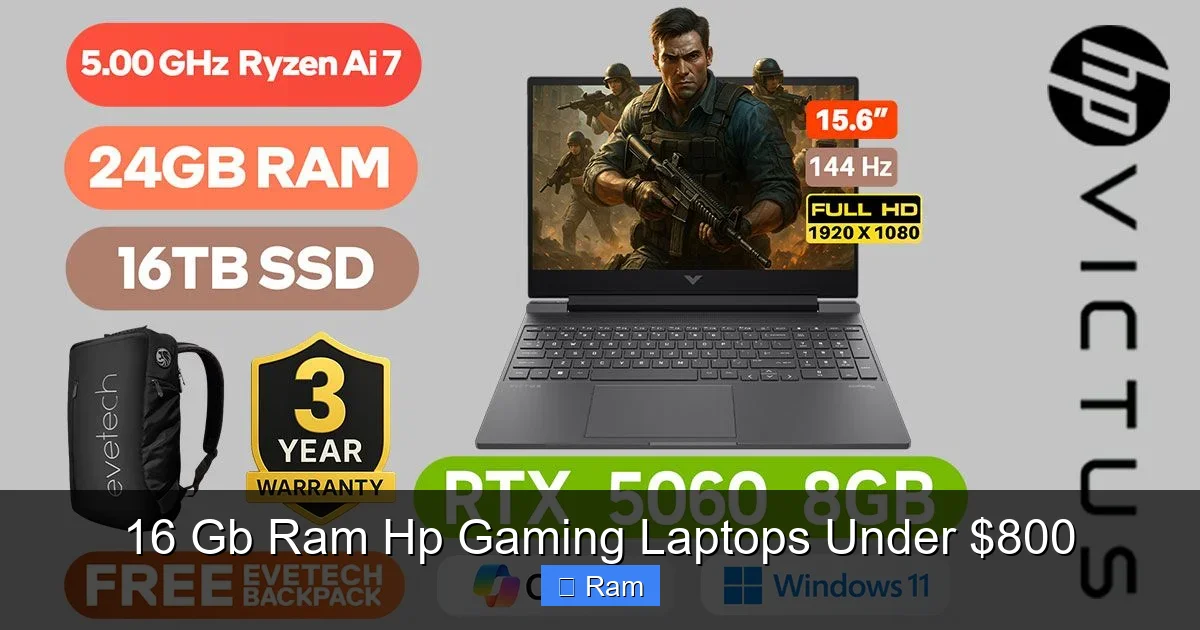
Finding a true gaming laptop with 16 GB of RAM for under $800 is a fantastic value hunt. HP offers several models, like the Pavilion and Victus lines, that pack a serious multitasking and gaming punch in this budget. These machines balance powerful AMD or Intel processors with dedicated NVIDIA or AMD graphics, ensuring smooth gameplay in popular titles. You’re getting a future-proof foundation that handles modern games, streaming, and schoolwork without slowdowns. The key is knowing which specs to prioritize and where to find the best deals, especially on previous-year models or during sales.
Key Takeaways
- RAM is Critical: 16 GB is the modern sweet spot for gaming, allowing games to load faster and run smoothly while you have other apps open.
- HP’s Value Lines: Look primarily at the HP Pavilion Gaming and HP Victus series for the best specs-to-price ratios under $800.
- Graphics Card First: Prioritize the GPU (like an NVIDIA RTX 3050 or 4050, or AMD RX 6500M) over the absolute latest CPU within this budget.
- Upgradeability: Most HP gaming laptops in this range allow you to upgrade RAM and storage later, a huge advantage for long-term value.
- Shop Smart: Check HP’s own outlet, Amazon, Best Buy, and Costco for open-box, refurbished, or sale models to snag these specs at the lowest price.
- Expect Trade-offs: At this price, you’ll often get a plastic build, a 60Hz or 144Hz FHD screen (not QHD), and average battery life—focus on core performance.
📑 Table of Contents
Why 16 GB RAM is the Non-Negotiable for Modern Gaming
Let’s start with the heart of your search: the 16 GB of RAM. In 2024 and beyond, 8 GB is no longer enough for a dedicated gaming laptop. Modern games like Cyberpunk 2077, Hogwarts Legacy, and even competitive titles like Valorant and Fortnite are designed to use more memory. With 16 GB, you’re giving the game engine the breathing room it needs to load high-resolution textures and complex worlds without constant stuttering or long load times.
But the real magic happens when you multitask. Imagine playing a game while Discord is running, you have a dozen Chrome tabs open for a wiki or stream, and maybe a music app in the background. An 8 GB system will start swapping data to the slow hard drive, causing terrible hitches. A 16 GB system handles this effortlessly. It’s the foundation for a smooth, frustration-free experience. For an HP gaming laptop under $800, finding a model that comes with 16 GB pre-installed is a major win, saving you the hassle and cost of an immediate upgrade.
The Multitasking & Future-Proofing Advantage
Think of RAM as your laptop’s immediate workspace. The bigger the desk (RAM), the more projects (applications) you can have open and actively working on without creating a mess. For a student, this means a game, research tabs, a Word document, and a Zoom call all at once. For a streamer, it’s the game, streaming software, chat, and alerts. 16 GB is that comfortable, spacious desk.
It also future-proofs your investment. Game requirements only increase. Starting with 16 GB means you likely won’t need to upgrade RAM for 3-4 years, making your $800 investment last longer. When you do eventually upgrade, most HP gaming laptops in this bracket have an empty slot, making it a simple 5-minute job to add another 16 GB stick for 32 GB total.
HP’s Gaming Arsenal: Pavilion vs. Victus
HP doesn’t just have one gaming line; it has two primary families that compete in the sub-$800 space, each with a different personality. Understanding their differences is key to your search.
Visual guide about 16 Gb Ram Hp Gaming Laptops Under $800
Image source: reviewsparrow.com
HP Pavilion Gaming: The Aggressive Value Player
The Pavilion Gaming series is HP’s main workhorse for budget-conscious gamers. It’s known for flashier designs, often with more pronounced angular lines and colorful keyboard backlighting (usually just single-zone RGB). Under the hood, you’ll typically find the latest generation Intel Core i5 or AMD Ryzen 5 processors paired with NVIDIA GeForce RTX 3050 or 4050 graphics. The focus is squarely on delivering the highest possible specs for the lowest price. Build quality is functional plastic, and screens can vary—you must check the refresh rate (aim for 144 Hz) and color coverage (sRGB percentage). These are the machines you’ll see on major sale events like Black Friday.
HP Victus: The Sleek, Subtle Contender
The Victus is HP’s newer, more “mature” gaming brand. It looks less like a traditional gaming laptop and more like a sleek, professional machine, often with a minimalist logo and cleaner lines. It targets gamers who don’t want a rainbow-lit spaceship on their desk. Performance-wise, it’s very similar to the Pavilion, using the same class of CPUs and GPUs. However, Victus models sometimes feature slightly better thermal designs or slightly brighter displays. The keyboard might feel a bit more premium. You often pay a small premium (maybe $50-$100) for the more subdued aesthetic, but the core gaming performance with 16 GB RAM is comparable. If you see a Victus and a Pavilion with identical specs at the same price, choose based on which design you prefer.
Top HP Models to Hunt For (Specs Over Model Names)
Model numbers change every year. Instead of chasing a specific “OMEN by HP 16-b0000,” focus on the core specification package. Here are the golden combos you should be searching for on retail sites. A true 16 GB RAM HP gaming laptop under $800 will typically have these specs:
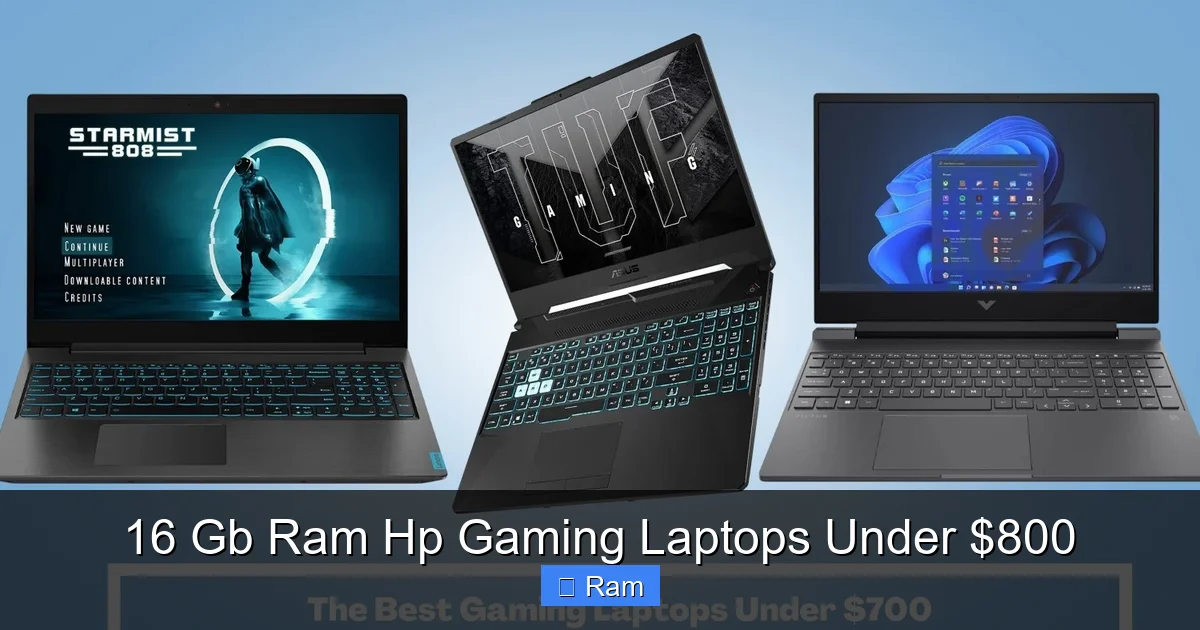
Visual guide about 16 Gb Ram Hp Gaming Laptops Under $800
Image source: gamesbustop.com
- Processor: Intel Core i5-12500H/13500H or AMD Ryzen 5 5600H/6600H/7535HS. These are 6-core/12-thread or 8-core/16-thread powerhouses.
- Graphics: NVIDIA GeForce RTX 3050 (4GB/6GB) or RTX 4050 (6GB). The RTX 4050 is a significant step up in performance and supports DLSS 3, a huge advantage in supported games. An AMD Radeon RX 6500M is also capable but generally trails the RTX 3050.
- Memory: 16 GB DDR4 or DDR5 RAM (often 2 x 8 GB sticks). Dual-channel mode is a big performance boost.
- Storage: 512 GB NVMe SSD. This is the bare minimum. Many will have 1 TB, which is excellent. Avoid any model with a 256 GB SSD or, heaven forbid, a hard drive (HDD).
- Display: 15.6″ or 16.1″ Full HD (1920×1080). Refresh Rate is KEY: 144 Hz is the target. 60 Hz is a deal-breaker for a smooth gaming feel. Look for IPS panels for better viewing angles and color.
Where to Find Them: The Deal Hunting Grounds
You won’t see these specs on the main HP.com configurator for $800. You must go to the retailers who move volume.
- Amazon & Best Buy: Their “Deal of the Day” or “Open-Box” sections are goldmines. Also, check the listings for “Renewed” or “Refurbished” models from certified sellers. A previous-year Pavilion with an RTX 3050 and 16 GB RAM can drop to $699.
- HP.com (Sale/Outlet): Go to the HP Store and sort by “Gaming.” Then, filter by price. Check the “Specials” and “Outlet” tabs religiously. HP’s own clearance often has the deepest discounts on prior-gen models.
- Costco & Sam’s Club: If you’re a member, their online electronics sections sometimes have exclusive bundles or models with extra storage at competitive prices. Their return policy is a safety net.
- Micro Center (In-Store): If you live near one, their in-store bundle deals (laptop + game + accessory) can be incredible, often beating online prices by $100-$200.
Performance Benchmarks: What Can You Actually Play?
So you found a HP Victus 16 with a Ryzen 5 6600H, RTX 4050, and 16 GB RAM for $749. What does that actually get you in-game? Here’s a realistic breakdown at 1080p.
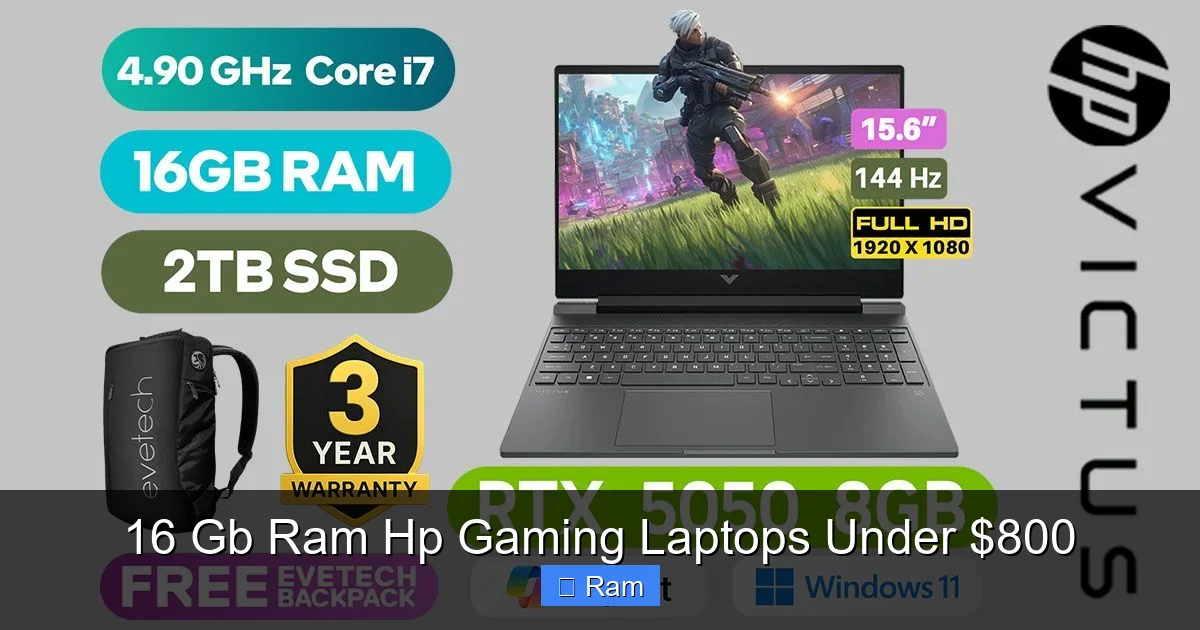
Visual guide about 16 Gb Ram Hp Gaming Laptops Under $800
Image source: img.evetech.co.za
Esports & Competitive Titles (100+ FPS)
This is where this laptop class shines. In games like Valorant, CS:GO 2, Rocket League, and Fortnite (on Performance/Competitive settings), you will easily achieve 100-144+ frames per second on the 144 Hz screen. The combination of a strong CPU and 16 GB RAM ensures no frame drops during intense firefights. These are the games where that high refresh rate truly matters for a competitive edge.
Popular AAA Titles (60+ FPS, High Settings)
For recent blockbusters like Elden Ring, Starfield, Assassin’s Creed Valhalla, and Call of Duty: Modern Warfare III, expect 60-80 FPS on High to Medium-High settings. The RTX 4050’s DLSS 3 Frame Generation can dramatically boost these numbers in supported games, often adding 30-50% more frames. This is the “very playable” zone. You might need to tweak a few settings (like shadows or ambient occlusion) to hit a smooth 60 FPS in the most demanding scenes.
The Demanding Frontier (40-60 FPS, Medium Settings)
For the absolute most taxing games like Cyberpunk 2077 with Ray Tracing on, or Alan Wake 2, you will be in the 30-50 FPS range, even with DLSS. You’ll need to lean on upscaling technology (DLSS/FSR) and set most sliders to Medium. These are the games where you feel the limits of the sub-$800 GPU. However, with 16 GB RAM, you won’t suffer from stutters caused by memory shortages—any hiccups will be purely GPU-limited.
Maximizing Your Purchase: The Final Checklist
Before you click “Buy,” run through this final checklist to avoid buyer’s remorse.
- The Screen: Is it 144 Hz or higher? Is it an IPS panel? (Almost all are, but confirm). What is the advertised color gamut (e.g., 45% NTSC or 60% sRGB is average; 72% NTSC/100% sRGB is good)?
- The Ports: Does it have at least one USB-C port (preferably with power delivery and video out)? How many USB-A ports? An HDMI 2.0 or 2.1? An Ethernet jack? A headphone/mic combo jack?
- The Keyboard: Read reviews or watch video reviews. Is the keyboard travel decent? Is the layout standard? Are the WASD keys highlighted? Is the RGB just a single color or full per-key?
- The Battery: Manage expectations. Gaming laptops with discrete GPUs have poor battery life. Under light use (web browsing, video), you might get 4-5 hours. While gaming on battery, expect 1-2 hours max. Always plan to be near an outlet for serious sessions.
- The Upgradability: Check the service manual (often a PDF on HP’s support site). How many RAM slots are occupied? Is there an empty M.2 slot for a second SSD? This is your path to future storage expansion.
- The Weight & Size: These are 15.6″ or 16″ laptops. They weigh 4.5 – 5.5 lbs. They are not ultrabooks. Ensure you’re okay with that bulk for the performance.
Conclusion: Your Smart $800 Gaming Foundation
Scoring an HP gaming laptop with 16 GB of RAM for under $800 is absolutely achievable, but it requires savvy shopping, not just clicking the first result. You are not buying the flashiest, thinnest, or longest-lasting laptop on the market. You are buying a powerful, focused tool for a specific purpose: playing modern games at good frame rates while doing everything else smoothly.
The HP Pavilion and Victus lines are your best bets. Target the RTX 4050 GPU if you can find it within budget, as its DLSS 3 support is a game-changer. Always, always prioritize the 144 Hz IPS display. By focusing on these core specs—16 GB RAM, a capable GPU, and a fast screen—and hunting in the right places (outlets, refurbished, major holiday sales), you build a gaming setup that will deliver joy and performance for years. It’s not about having the most expensive rig; it’s about having the smartest one for your budget. Now, go hunt for that deal!
Frequently Asked Questions
Is 16 GB of RAM really necessary for gaming laptops under $800?
Yes, absolutely. Modern games and multitasking demand it. An 8 GB laptop will struggle with newer titles and background apps. Finding a pre-configured 16 GB model saves you the immediate hassle and cost of upgrading, making it a crucial value feature.
Should I choose an HP Pavilion or a Victus for the same price?
It comes down to aesthetics. The Pavilion is flashier and often has slightly more aggressive pricing. The Victus is more subtle and professional-looking. Internally, they share very similar CPUs, GPUs, and cooling solutions for the same price point. Choose the one whose design you prefer.
Can I upgrade the RAM or storage myself on these HP laptops?
Almost always, yes. The vast majority of HP Pavilion and Victus gaming laptops in this price range have user-accessible bottom panels. They typically have one or two empty RAM slots and often an extra M.2 slot for adding a second SSD. This makes them highly future-proof.
What refresh rate should I look for in the display?
Aim for 144 Hz minimum. The jump from 60 Hz to 144 Hz is massive for perceived smoothness in games. Some models may offer 165 Hz, which is also excellent. Avoid any gaming laptop with a 60 Hz screen if you can help it; it negates much of the performance advantage.
Are refurbished or open-box HP gaming laptops a good deal?
They can be exceptional deals. Refurbished units from HP’s official outlet or certified sellers come with a warranty and are thoroughly tested. Open-box items from retailers are often like-new with full warranties at a steep discount. This is one of the best ways to snag higher specs for less.
Will this laptop be good for anything besides gaming, like schoolwork or video calls?
Perfectly. A 16 GB RAM laptop with a modern 6-core+ CPU is excellent for productivity. It will handle dozens of browser tabs, Office suite apps, video conferencing (with a good webcam and mic), and even light photo or video editing without any issues. It’s a true all-rounder.