Why Does My Speakers Crackle
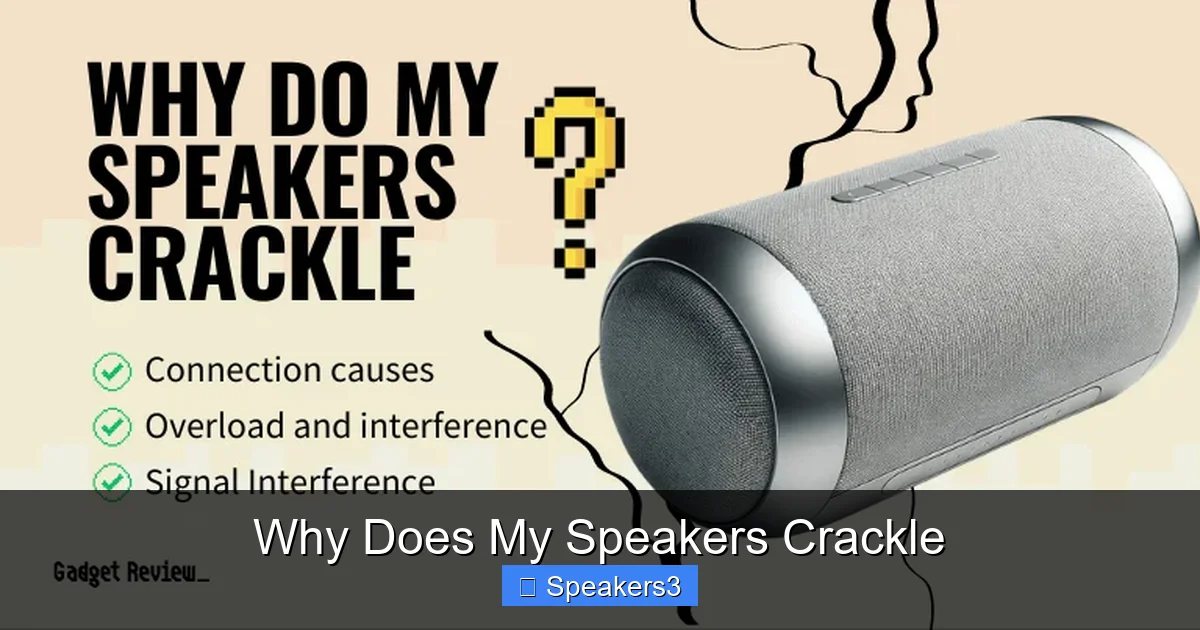
Wondering why does my speakers crackle? The culprit is often simple—dust, loose connections, or driver issues. Follow our friendly guide to diagnose and silence that annoying static for good.
Key Takeaways
- Check connections first: Loose or corroded plugs are the most common cause of crackling.
- Clean your speakers: Dust and debris on drivers create unwanted noise.
- Match impedance: Using the wrong impedance can overload the amp and cause crackle.
- Update drivers & firmware: Out‑of‑date software often introduces static.
- Power issues matter: Inconsistent voltage or cheap power strips can add noise.
- Consider speaker placement: Interference from other electronics may be the hidden source.
- When to replace: Persistent crackle after troubleshooting usually means a failing driver.
📑 Table of Contents
- Introduction: The Annoying Sound of Crackle
- 1. Loose or Corroded Connections
- 2. Dust and Debris on Drivers
- 3. Impedance Mismatch and Power Issues
- 4. Software, Drivers, and Firmware
- 5. Physical Damage and Aging Drivers
- 6. Environmental Interference
- Putting It All Together: A Simple Troubleshooting Checklist
- Conclusion: Quiet Nights Ahead
Introduction: The Annoying Sound of Crackle
If you’ve ever been listening to your favorite song and heard a sudden “pop‑pop‑pop” in the background, you’ve probably asked yourself, “why does my speakers crackle?” It’s a common problem that can turn a relaxing listening session into a frustrating experience. The good news? Most crackle issues are fixable with a few simple steps.
In this article we’ll walk through the most frequent reasons speakers crackle, how to pinpoint the exact cause, and what you can do to keep your audio clean and crisp. Think of it as a friendly chat over coffee, where we troubleshoot together and you walk away with a quieter, better‑sounding setup.
1. Loose or Corroded Connections
Why connections matter
Every time you plug a speaker cable into an amp, receiver, or source device, you create a physical and electrical link. If that link isn’t solid, the signal can jump, creating a crackling sound. Even a tiny bit of oxidation on the connector can act like a barrier, interrupting the flow of audio data.
Visual guide about Why Does My Speakers Crackle
Image source: r2.chiikawawallpaper.com
How to inspect and fix
- Unplug and re‑plug: Turn off all equipment, then disconnect and reconnect each cable. Make sure the plugs click firmly into place.
- Check for corrosion: Look for green or white buildup on the metal contacts. Use a clean, dry cloth or a specialized contact cleaner to wipe them gently.
- Try a different cable: Swap the suspect cable with a known‑good one. If the crackle disappears, the cable was the problem.
Real‑world example
Jane, a home‑theater enthusiast, heard static every time she watched movies. After tightening the speaker wire connections on her AV receiver, the crackle vanished. A simple twist solved a weeks‑long annoyance.
2. Dust and Debris on Drivers
What the driver is
The driver is the heart of any speaker—it’s the cone, dome, or ribbon that moves air to create sound. Dust can settle on the diaphragm, causing it to vibrate irregularly and produce crackle.
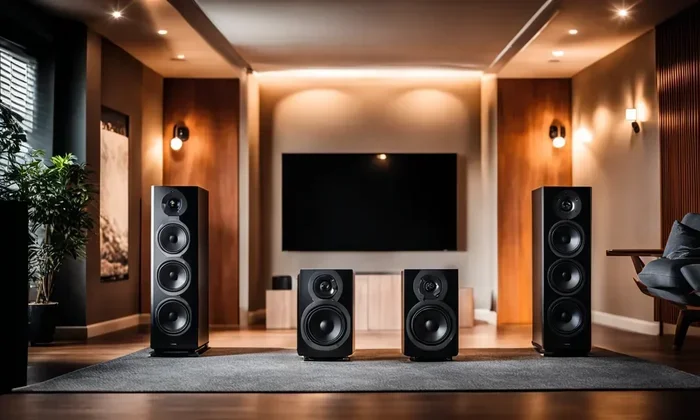
Visual guide about Why Does My Speakers Crackle
Image source: pmo66e5a65d1-pic14.websiteonline.cn
Cleaning steps
- Turn off and unplug the speaker.
- Use a soft brush (like a clean paintbrush) to gently sweep away surface dust.
- For stubborn grime, lightly dampen a microfiber cloth with isopropyl alcohol—never spray directly on the driver.
- Allow the speaker to dry completely before powering it back on.
Tip
Place speakers on a raised stand or shelf to keep them away from floor dust and pet hair.
3. Impedance Mismatch and Power Issues
Understanding impedance
Impedance, measured in ohms, tells you how much resistance a speaker offers to the amp’s output. Most home speakers are 8 Ω, but many bookshelf and car speakers are 4 Ω. If you connect a low‑impedance speaker to an amp not designed for it, the amp can overheat and produce crackle.
Visual guide about Why Does My Speakers Crackle
Image source: missionhillschina.com
Check your specs
Look at the back of your speakers and the amp’s manual. If the amp says “supports 4–8 Ω,” you’re safe. If it only lists “8 Ω,” avoid 4 Ω speakers.
Power source quality
Cheap power strips or unstable wall outlets can introduce electrical noise. Use a surge protector with noise filtering, or plug directly into a wall outlet for a quick test.
Related reading
For a deeper dive into matching speakers and amps, see our article on Does Wattage Matter For Car Speakers.
4. Software, Drivers, and Firmware
Why software matters
Even though speakers are hardware, the signal they receive often passes through a computer’s sound card or a Bluetooth receiver. Out‑of‑date drivers can cause timing errors, resulting in crackle.
Update steps
- Identify your sound device (e.g., Realtek, Creative, etc.).
- Visit the manufacturer’s website and download the latest driver.
- Install the driver, restart your computer, and test the speakers.
Bluetooth latency
If you use wireless speakers, interference from Wi‑Fi or other Bluetooth devices can cause static. Keep the speaker within 10 feet of the source and minimize obstacles.
5. Physical Damage and Aging Drivers
When a driver fails
Over time, the voice coil inside a driver can wear out, especially if you regularly play music at high volumes. A failing coil can produce a faint crackle that gets louder with louder audio.
Diagnosing a bad driver
- Swap the suspect speaker with a known‑good one. If the crackle follows the speaker, the driver is likely damaged.
- Listen for crackle on a single‑tone test (use a sine wave generator). A consistent pop at a specific frequency points to a driver issue.
When to replace
If cleaning, tightening connections, and updating software don’t help, it’s time to consider a replacement. Many manufacturers offer warranty service for defective drivers.
6. Environmental Interference
Electromagnetic sources
Devices like routers, cordless phones, and even fluorescent lights can emit electromagnetic interference (EMI) that rides on the audio signal, creating crackle.
Mitigation tips
- Keep speaker cables away from power cords and routers.
- Use shielded speaker cables.
- Try moving the speaker a few feet away from potential EMI sources.
Example
Mark noticed crackle only when his Wi‑Fi router was active. After relocating the router to a different shelf, the static disappeared.
Putting It All Together: A Simple Troubleshooting Checklist
- Power off all equipment.
- Check and reseat every cable.
- Inspect connectors for corrosion; clean if needed.
- Clean speaker drivers gently.
- Verify impedance compatibility.
- Update audio drivers and firmware.
- Test with a different source (e.g., phone vs. computer).
- Isolate speakers from potential EMI.
- Consider driver health; replace if necessary.
Conclusion: Quiet Nights Ahead
Now you know the top reasons why does my speakers crackle and how to fix them. Most issues boil down to simple maintenance—tightening connections, cleaning dust, and keeping software up to date. By following the checklist above, you’ll enjoy crystal‑clear sound without the distracting pops.
Remember, a little care goes a long way. Treat your speakers like any other piece of equipment: keep them clean, protect them from power surges, and match them correctly to your amp. If you’ve tried everything and the crackle persists, it may be time for a professional repair or a fresh set of speakers.
Frequently Asked Questions
Why do my speakers crackle only when I turn the volume up?
Higher volume pushes more power through the speaker’s voice coil. If the coil is worn or the amp is under‑powered, it can create static. Check the driver’s condition and ensure the amp can handle the speaker’s impedance.
Can a bad audio cable cause crackling?
Yes. A frayed or internally broken cable can interrupt the signal, leading to intermittent crackle. Swapping the cable with a known‑good one is a quick way to test this.
Do wireless speakers crackle more than wired ones?
Wireless speakers can suffer from interference, latency, or low battery power, all of which may introduce crackle. Keep the speaker charged, reduce nearby Bluetooth traffic, and stay within the recommended range.
Is it normal for new speakers to crackle during the first few uses?
Occasional tiny pops can happen as the driver “breaks in.” However, persistent crackle is not normal and should be investigated.
Can cleaning the speaker grill fix crackle?
Yes, dust on the grill can vibrate with the driver and add noise. Use a soft brush or compressed air to gently remove debris.
Should I replace my speaker if the crackle only happens with one audio source?
First test the speaker with a different source (e.g., phone, computer). If the crackle disappears, the issue lies with the original source’s output or its cables.