Laptop with 32 Gb Ram
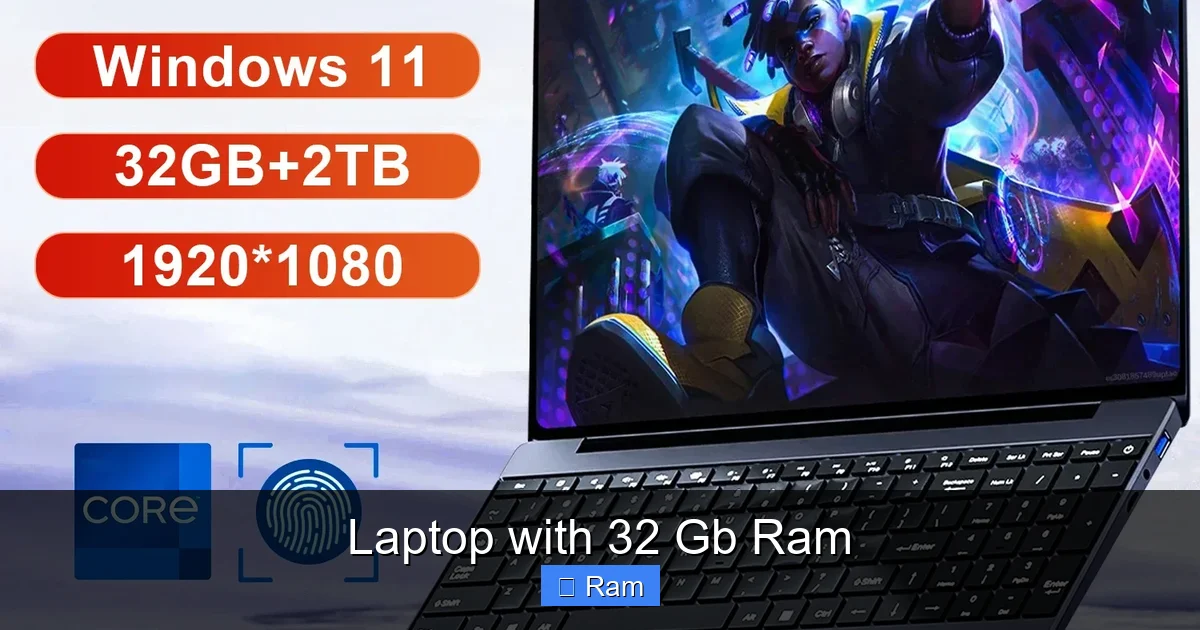
A laptop with 32 GB of RAM is a powerhouse designed for demanding professional and creative workloads. It eliminates bottlenecks in intensive multitasking, 4K video editing, 3D rendering, and running virtual machines. For the average user, it’s overkill, but for power users, it’s a essential tool for seamless productivity and future-proofing. Choosing the right 32GB laptop involves balancing your specific tasks, budget, and other key specs like the CPU and storage.
Key Takeaways
- Beyond Average Use: 32GB RAM is targeted at professionals and enthusiasts, not casual browsers. It handles massive datasets, complex projects, and dozens of apps simultaneously without slowing down.
- Multitasking Redefined: You can keep hundreds of Chrome tabs, a video editing timeline, a virtual machine, and Spotify all open with zero lag, transforming how you work.
- Future-Proof Investment: As software and operating systems become more memory-hungry, 32GB provides a significant buffer, extending your laptop’s useful lifespan by several years.
- Ideal User Profiles: Video editors, 3D artists, software developers, data scientists, and serious gamers with mods/streaming are the primary candidates who will see a daily, tangible benefit.
- Cost vs. Value: The performance jump from 16GB to 32GB is substantial for the target user, but you pay a premium. Ensure your other components (CPU, GPU, SSD) are equally powerful to avoid imbalance.
- Upgradeability Matters: Check if the RAM is soldered or has slots. Soldered RAM means you’re locked into your initial configuration, so buying with 32GB from the start is critical.
- Not a Magic Bullet: More RAM won’t fix a slow CPU or poor cooling. It’s one part of a balanced system. A weak processor will still bottleneck demanding applications even with ample memory.
📑 Table of Contents
Introduction: The 32GB RAM Threshold – Power User Paradise
Remember the feeling of upgrading from 4GB to 8GB of RAM? That magical moment when your computer stopped wheezing under the weight of a few browser tabs? That feeling is back, but the scale is different. Stepping up to a laptop with 32 GB of RAM isn’t just an incremental upgrade; it’s crossing a threshold into a realm of computing where the concept of “waiting for your computer” becomes largely obsolete for your specific workflow. This isn’t about checking email faster. This is about the raw, unadulterated ability to command a digital workspace of staggering complexity without compromise.
For years, 16GB was the sweet spot—the recommended amount for power users and a comfortable future-proofing measure. But the landscape has shifted. Modern creative applications, virtualized environments, and data-intensive processes are consuming memory at an unprecedented rate. A laptop with 32 GB of RAM answers this call. It’s the tool for the editor working with 8K footage, the developer running multiple Docker containers, the scientist analyzing huge datasets, and the creator who simply refuses to close applications. This article will dissect exactly what 32GB of RAM means in a laptop, who truly needs it, the tangible performance differences you can expect, and how to make a smart, informed purchase that delivers value for years to come.
What Does 32GB of RAM Actually Mean? (Beyond the Spec Sheet)
RAM 101: Your Computer’s Immediate Workspace
Think of RAM (Random Access Memory) as your laptop’s desk. The bigger the desk, the more projects, documents, and tools you can have open and actively working on without having to constantly shove things into a drawer (your much slower storage drive). 8GB is a small desk—fine for a single, focused task. 16GB is a spacious home office desk. 32GB is a massive, executive workbench. It allows you to spread out.

Visual guide about Laptop with 32 Gb Ram
Image source: songphuong.vn
When you open an application or a file, it gets loaded from your SSD into RAM. The CPU then works directly with the data in RAM because accessing it is orders of magnitude faster than pulling it from storage. The more RAM you have, the more of your active “working set” can reside in this ultra-fast zone. When you run out of RAM, your system starts using a portion of your SSD as “virtual memory” or swap space. This process, called thrashing, brings your system to a grinding halt because SSDs, while fast, are still glacially slow compared to RAM. A laptop with 32 GB of RAM dramatically reduces or eliminates this scenario for power users.
The “Memory-Hungry” Software Revolution
Why is 16GB starting to feel cramped? Blame the software. Modern creative suites are a prime example. Adobe’s Premiere Pro and DaVinci Resolve, especially when working with high-resolution footage (4K, 6K, 8K) and multiple effects, can easily consume 12-20GB of RAM on their own. Add a few Chrome tabs with research, a music player, and communication apps, and you’re flirting with the 16GB limit. The same goes for 3D modeling in Blender or CAD software; complex scenes with high-poly counts and textures are voracious. Virtualization software like VMware or Parallels, which runs a full second operating system inside your main one, typically allocates 4-8GB minimum to the guest OS. That instantly eats your 16GB lunch. Data analysis tools (Python/R with large datasets) and modern game development engines (Unreal, Unity) are similarly insatiable. A laptop with 32 GB of RAM provides the headroom these tools demand to operate smoothly.
Who Absolutely Needs a 32GB RAM Laptop? (The Target User)
The Professional Creative: Video Editors, Photographers, 3D Artists
This is the poster child for 32GB. For a video editor, RAM is crucial for caching. When you play back a timeline, your software tries to load frames into RAM for smooth playback. Complex timelines with multiple layers of 4K/8K footage, color grades, and effects can exhaust 16GB, leading to choppy playback and the need to render. With 32GB, you can work natively on high-resolution projects, keep your entire project bin and assets accessible, and switch between After Effects and Premiere without a hiccup. 3D artists working with sculpting, high-poly modeling, and viewport shading will see a massive difference in interactivity. Photographers editing hundreds of high-resolution RAW files in batches in Lightroom or Photoshop will also benefit from the ability to keep more images open and history states available.

Visual guide about Laptop with 32 Gb Ram
Image source: m.media-amazon.com
The Developer & IT Pro: Code, Containers, and Virtual Machines
For a software developer, a laptop is a command center. You might have your IDE (like VS Code or IntelliJ) open, a local server running, a database instance, a browser with dozens of documentation tabs, a terminal or two, and Slack/Discord. That’s a comfortable 8-12GB. Now add a local Docker or Kubernetes environment with multiple containers—each container is a lightweight virtual machine that consumes memory. A single service might use 500MB, but a full stack can easily hit 4-8GB. Running a Windows VM on a Mac for testing? That’s another 4-8GB minimum. Suddenly, 16GB is a hard ceiling. A laptop with 32 GB of RAM lets a developer run a realistic, multi-service local environment that mirrors production, dramatically improving productivity and testing capability.
The Data Scientist & Engineer: Big Data in Your Lap
Working with datasets that are gigabytes or even terabytes in size? While the entire dataset won’t fit in RAM, the tools used to process it (Pandas, Spark, R) require significant memory to operate on chunks of that data. Loading a 5GB CSV into a DataFrame can consume 15-20GB of RAM during operations. Running machine learning training models, especially during the data preprocessing and feature engineering stages, is incredibly memory-intensive. A laptop with 32 GB of RAM allows data professionals to work with substantial datasets locally without constantly offloading to cloud instances, speeding up iteration and prototyping cycles.
The Enthusiast & “Do-It-All” Power User
This person might not fit a single professional title but embodies the spirit of 32GB. They might be a serious gamer who also streams (encoding video in real-time is RAM-heavy), runs Discord, Spotify, and has a wiki open for game guides. They might be a student in engineering or design handling massive CAD assemblies and simulation software. They might simply be the person who opens 200 Chrome tabs and gets genuinely frustrated when their computer “thinks” for five seconds after switching windows. For them, the value is in the utter lack of cognitive friction. The computer just works, exactly as they expect, every single time. It’s a quality-of-life upgrade that borders on luxury for those who demand absolute fluidity.
The Real-World Performance Difference: What Can You Actually Do?
Seamless, Choppy-Free Multitasking on a Grand Scale
The most immediate and noticeable benefit of a laptop with 32 GB of RAM is the freedom to multitask at a scale that would cripple a 16GB system. We’re not talking about a Word doc and a YouTube video. We’re talking about:

Visual guide about Laptop with 32 Gb Ram
Image source: m.media-amazon.com
- Video Editor’s Workflow: A 4K timeline playing back smoothly in Premiere Pro (using 14GB), with After Effects rendering a complex composition in the background (using 10GB), 50 Chrome research tabs (2GB), Spotify, Slack, and a Zoom call running simultaneously—all without a single frame drop or stutter when alt-tabbing.
- Developer’s Sandbox: A Linux VM (6GB allocated) running a microservices stack, a Windows VM (4GB) for browser testing, your local IDE (3GB), 30 documentation tabs (1.5GB), a local database (2GB), and your communication suite. You can switch between the VMs instantly.
- Data Analyst’s Session: Jupyter Notebook with a 4GB Pandas DataFrame loaded (8GB used), a visualization library generating plots (2GB), a SQL client connected to a local DB (1GB), and a web browser with reference material. You can run multiple data transformations without the kernel dying from memory errors.
This level of concurrent usage is simply not feasible on a 16GB machine without constant swapping, which kills performance.
Faster Rendering, Exporting, and Compilation (Often)
This is a nuanced point. More RAM does not directly make your CPU or GPU render a single frame faster. However, it indirectly accelerates the overall process in several key ways:
- Larger Caches: Applications like Premiere Pro and DaVinci Resolve use RAM as a cache for previews and rendered frames. With 32GB, they can cache much more of your timeline, meaning less time waiting for red/yellow render bars and more time playing back in real-time.
- Handling Larger Scenes: In 3D, you can work with higher polygon counts and higher-resolution textures in the viewport because more of the scene data is loaded into RAM. This prevents viewport lag during sculpting or animation.
- Batch Processing: When exporting a video or rendering a large batch of images, having ample RAM ensures the encoder has a constant, unfettered stream of data to work with, preventing I/O bottlenecks that can slow down the process.
- Compilation Speed: For developers, compiling large projects (like a massive C++ codebase or a Java application) can be memory-intensive during the linking phase. More RAM can prevent the compiler from resorting to slow disk swapping, leading to faster build times.
The key takeaway: 32GB RAM optimizes the workflow around the core task, reducing idle waiting time.
The “Set It and Forget It” Future-Proofing Factor
Operating systems and background services are getting heavier. Windows 11 and macOS Sonoma themselves can use
Frequently Asked Questions
What is laptop with 32 gb ram?
laptop with 32 gb ram is an important topic with many practical applications.